Offloading builds to remote sandboxes solves local agent bottlenecks
Running dozens of AI agents locally maxes out Mac hardware. Vercel’s CTO suggests keeping agents local while offloading builds and tests to remote sandboxes.
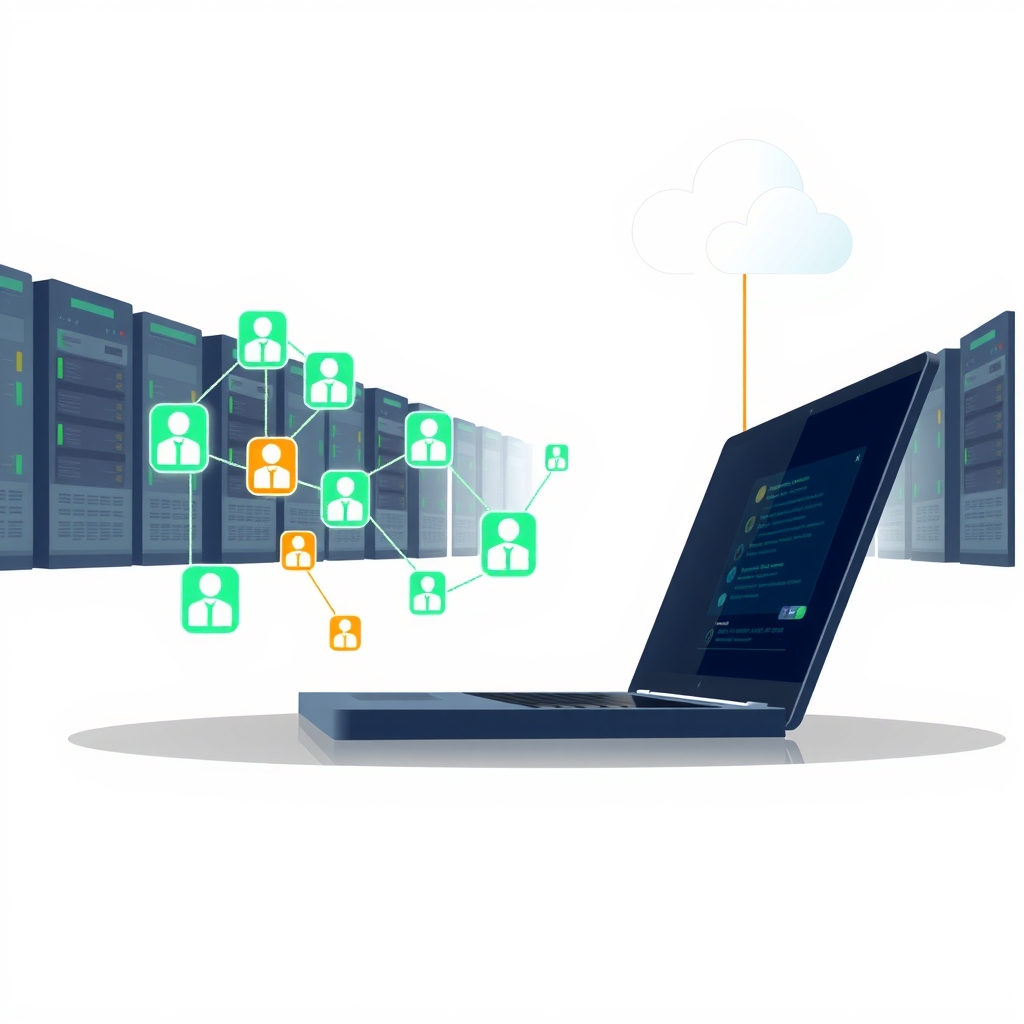
A developer named Pranit recently discovered that running more than 50 concurrent AI coding agent sessions overwhelmed his Mac, turning his local hardware into a significant performance bottleneck. In response, Vercel CTO Malte Ubl confirmed that single computers cannot keep pace with parallel agent workloads and proposed a hybrid architecture to resolve the issue.
What happened
As software engineers increasingly shift from interacting with single AI assistants to orchestrating fleets of autonomous coding agents, the computational demands on local development machines have surged. Pranit shared his experience on X, noting that his workflow stalled when he attempted to run over 50 agent sessions simultaneously. The limitation was not the AI model inference, which typically runs in the cloud, but the local execution of builds, dependency management, and tests triggered by these agents.
Malte Ubl validated this observation, stating that no single computer is fast enough to handle dozens of agents working in parallel. When multiple agents decide to run a build or test suite at the same time, they compete for the same CPU and memory resources on the developer’s machine. This contention causes significant slowdowns, disrupting the feedback loop essential for efficient coding. Ubl noted that he encountered identical limitations in his own development environment, highlighting that this is a systemic issue for teams scaling agent usage.
The core problem arises because modern AI agents do not just suggest code; they actively compile it, install dependencies, and run verification scripts. These tasks are computationally expensive and resource-intensive. While the intelligence layer remains remote, the execution layer has traditionally stayed local. As the number of concurrent agents grows, the local machine becomes the weak link, unable to process the volume of parallel tasks generated by the automated workflows.
How it works
Vercel’s proposed solution separates agent orchestration from code execution. Developers keep the AI agents running locally to maintain their existing tools and context, but they offload the heavy lifting—builds and tests—to remote sandboxes. This approach allows the local machine to focus on coordination while the cloud handles the computational load. Developers can implement this by installing the Vercel Plugin via the command npx plugins add vercel/vercel-plugin and configuring their agents to use remote execution for specific tasks.
A key technical challenge in this model is maintaining consistency between the local workspace and the remote sandbox, especially when agents modify code that has not yet been committed to version control. To address this, the system creates a snapshot of the current state. Dependencies that are already installed persist in the remote environment, reducing setup time. The current source code, including uncommitted edits and new files not excluded by Git ignore rules, is copied to the sandbox for execution. This ensures that agents can validate changes in real-time without requiring developers to commit and push code prematurely.
This method integrates remote execution directly into the development feedback loop rather than treating it as a separate CI step. By decoupling orchestration from execution, developers can scale their workloads independently of their local hardware constraints. The system uses warm snapshots to speed up startup times, with benchmarks showing that regional image caching in Seoul reduced sandbox startup times from roughly 3.5 seconds to 1.05 seconds. However, developers must still account for network latency and the time required to transfer source files.
Key details
- Running over 50 concurrent AI agent sessions can max out the CPU and memory of a local Mac.
- Vercel CTO Malte Ubl recommends keeping agents local but offloading builds and tests to remote sandboxes.
- The Vercel Plugin enables this workflow and can be installed using
npx plugins add vercel/vercel-plugin. - Remote sandboxes execute code from snapshots that include uncommitted changes and new files.
- Regional image caching reduced sandbox startup times from 3.5 seconds to 1.05 seconds in Seoul benchmarks.
- There is no fixed threshold for switching to remote execution; it depends on project size, network latency, and compute costs.
Why it matters
For software engineers building with AI, this shift represents a fundamental change in how development environments are structured. As agents become more autonomous, they generate a higher volume of parallel tasks that traditional local setups cannot handle efficiently. Understanding how to distribute these workloads is critical for maintaining productivity. If developers continue to rely solely on local execution, they will face diminishing returns as they add more agents, leading to slower iteration cycles and increased frustration.
This architecture also impacts cost and efficiency calculations. While remote execution alleviates local hardware pressure, it introduces new variables such as cloud compute costs and data transfer times. Developers need to evaluate whether the time saved by parallelizing builds outweighs the overhead of setting up remote sandboxes. For small codebases or few agents, local execution may remain more efficient. However, for large projects with dozens of concurrent agents, the economic and performance benefits of remote execution become significant.
Furthermore, this approach changes the role of version control in the development workflow. Traditionally, commits trigger CI pipelines. In this new model, validation happens before commits, allowing agents to iterate rapidly without cluttering the repository with intermediate states. This requires tools that can seamlessly sync local changes with remote environments, ensuring that the development experience remains smooth and intuitive despite the distributed nature of the computation.
What you can do
- Monitor your local CPU and memory usage when running multiple AI agents to identify bottlenecks.
- Install the Vercel Plugin using
npx plugins add vercel/vercel-pluginto test remote build offloading. - Configure your AI agents to direct build and test commands to remote sandboxes instead of local terminals.
- Evaluate the trade-off between local execution time and remote setup costs for your specific project size.
- Use warm snapshots and regional caching to minimize sandbox startup latency if adopting remote execution.
- Avoid committing code solely for testing purposes by leveraging tools that sync uncommitted changes to remote environments.