Kubernetes inode exhaustion: why disk space alerts miss the real threat
Kubelet lacks early warning for inode depletion, causing sudden pod evictions even when disk space appears ample. Learn how small files in container images trigger this silent failure.
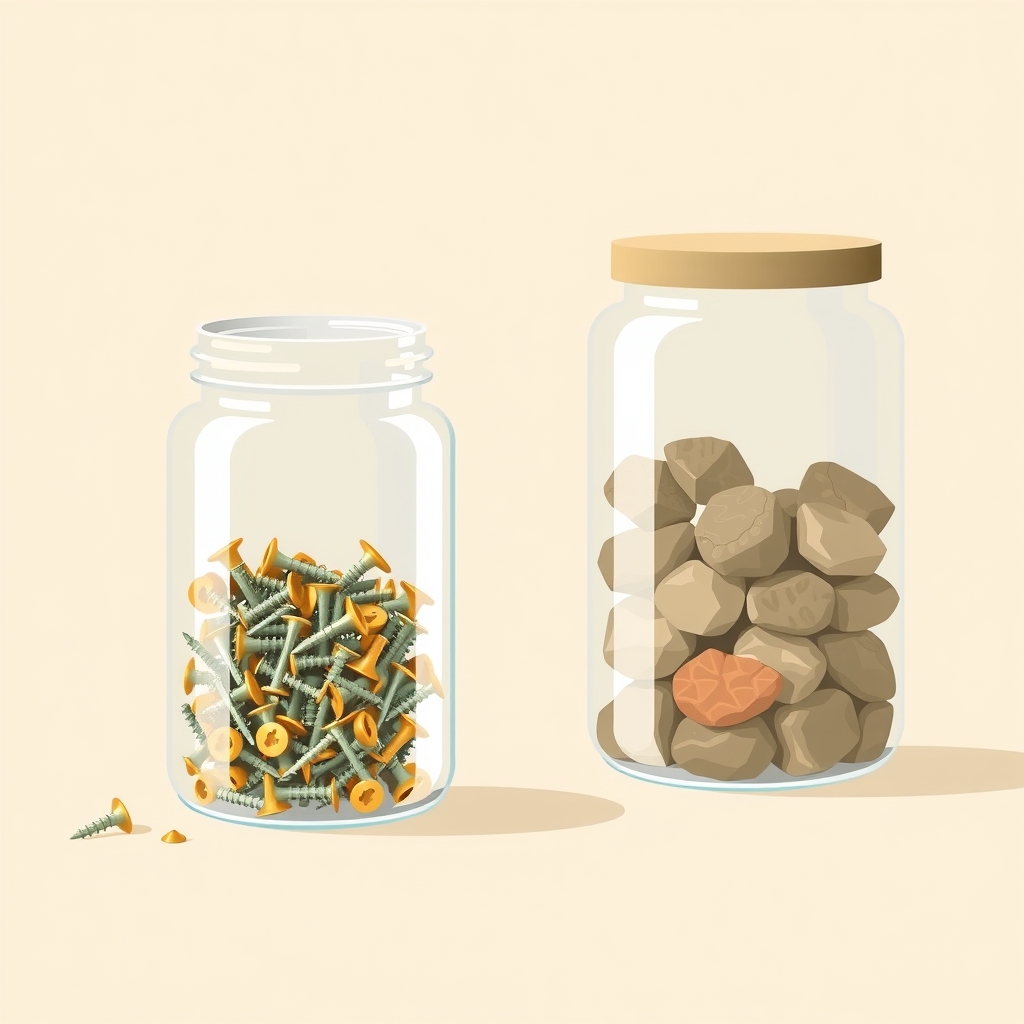
A Kubernetes worker node recently triggered a critical alert for filesystem filling up, yet standard diagnostics showed plenty of available disk space. The culprit was not byte usage but inode exhaustion, a resource limit that kubelet monitors only at the point of crisis rather than proactively managing it like storage capacity.
What happened
An SRE investigating a NodeFilesystemFilesFillingUp alert found a contradictory state: the disk was 83% full, but the inode table was 67% utilized with only 5.3 million free inodes remaining. The alert fired because of the trajectory of inode consumption, not the absolute level. While disk usage is monitored with two mechanisms—background garbage collection and hard eviction—inodes have only one defense: hard eviction.
Kubelet’s image garbage collection runs when byte usage exceeds 85%, deleting unused images to bring usage down to 80%. However, this process ignores file counts entirely. On Linux, kubelet does monitor nodefs.inodesFree and imagefs.inodesFree, but only triggers action when free inodes drop below 5%. This means the first automated response to inode pressure is also the most disruptive: evicting running pods to save the node.
The investigation revealed that the node was not suffering from log bloat or volume leaks. Instead, the inode drain came from containerd’s snapshot store. Each unpacked image layer creates a directory of files, and images containing thousands of small files consume inodes rapidly. In this case, a single Node.js package contributed over 21,000 files per snapshot. With multiple versions of the same image retained on the node, millions of inodes were consumed while disk space remained relatively available.
How it works
Filesystems allocate inodes at creation time based on an inode ratio, typically one inode per 16,384 bytes of capacity in ext4. This number is fixed; it cannot grow later. Small files are inefficient because each non-empty file consumes at least one 4 KiB block and one inode. If a filesystem is filled with one-byte files, inodes will exhaust when only 25% of the disk space is used.
In the incident node, arithmetic suggested a tighter inode ratio of roughly 8,192 bytes per inode, likely configured during initial provisioning. Even with this adjustment, inodes would exhaust at 50% disk usage if filled with small files. Containerd’s overlayfs snapshotter unpacks each distinct layer into its own directory. It deduplicates compressed layers by digest but shares nothing between unpacked snapshots. If two builds produce layers with different digests—even due to timestamp changes—containerd stores two full copies of every file.
Kubelet does not correlate byte usage with inode usage. It waits for the 5% free inode threshold before acting. By then, the node is in emergency mode. The lack of an intermediate "soft" eviction or garbage collection step for inodes means engineers receive no warning until pod stability is at risk.
Key details
- Kubelet image garbage collection triggers at 85% byte usage but has no equivalent threshold for inode usage.
- Hard eviction for inodes activates only when free inodes drop below 5%, making it a last-resort measure.
- Ext4 filesystems have a fixed inode count determined at creation, typically one per 16,384 bytes unless customized.
- Containerd unpacks each unique layer digest into a separate snapshot directory, duplicating small files across versions.
- A single Node.js package like
@mui/icons-materialcan contribute over 21,000 files to a single image layer. - Using
du --inodes -xS /var | sort -rhhelps identify directories with high file counts without crossing filesystem boundaries.
Why it matters
For infrastructure engineers, this behavior exposes a blind spot in standard monitoring. Most teams track disk usage percentages closely, assuming that staying under 80% ensures safety. However, applications that generate many small files—such as those with large node_modules, Python virtual environments, or vendored dependencies—can exhaust inodes long before disk space becomes critical. This leads to unexpected pod evictions and node instability that appear unrelated to storage metrics.
The root cause often lies in build practices rather than cluster configuration. Single-stage Dockerfiles that copy source code and dependencies into the final image create layers packed with small files. Without proper .dockerignore rules or multi-stage builds, every CI run can generate new layer digests due to timestamp changes, forcing nodes to retain multiple copies of these file-heavy layers. Understanding this mechanism allows teams to shift focus from reactive node debugging to proactive image optimization.
What you can do
- Audit your container images for high file counts using
du --inodeson built artifacts before pushing them to registries. - Implement multi-stage Dockerfiles to ensure only compiled artifacts and production dependencies reach the final image.
- Use
.dockerignoreto excludenode_modules,.git, and build caches fromCOPYinstructions to prevent unnecessary file duplication. - Monitor inode usage alongside disk space in your observability stack, setting alerts at higher thresholds like 20% free inodes.
- Review CI pipelines to ensure layer caching is effective, preventing new digests for unchanged dependencies due to metadata updates.
- Check your node’s inode ratio with
tune2fs -lto understand how many files your filesystem can support relative to its size.