$19
Webhook Inspector
Capture, inspect and safely replay webhooks on your own server.
Live demoKnow when scheduled jobs stop running.
Self-hosted heartbeat monitoring for cron jobs, backups and workers, with missed-run incidents and recovery alerts.
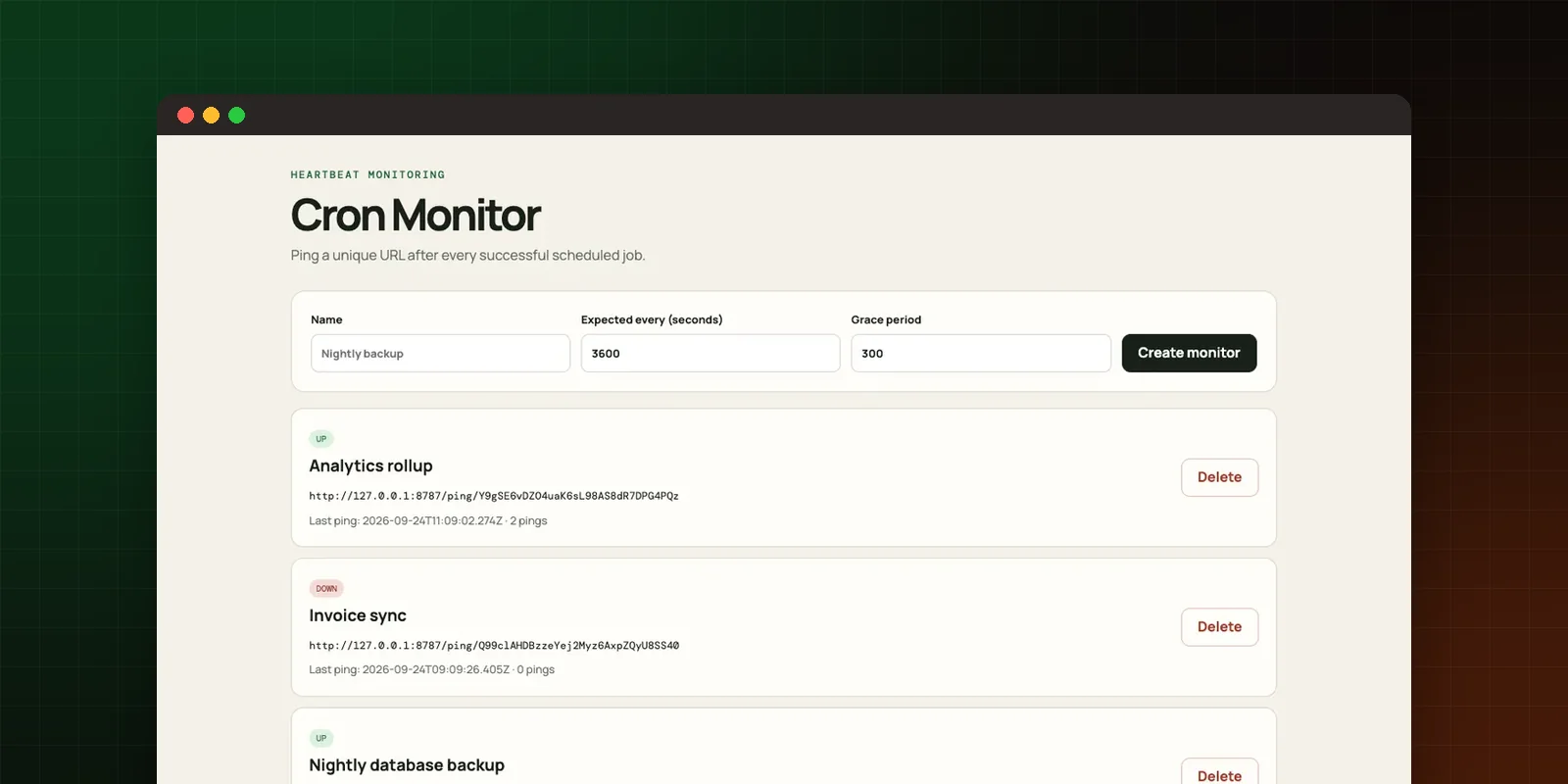
Each monitor gets a unique heartbeat URL. Add one curl call at the end of a job.
Set how often a job should report and how long to wait before raising an incident.
Missed runs open an incident; the next heartbeat closes it and sends a recovery notice.
Email, Telegram and webhook notifications.
Scheduled jobs fail quietly. A backup script stops after a server move, a queue worker hangs, a nightly import never starts, and nobody notices until the data is needed. Cron Monitor turns silence into an alert.
Heartbeat URLs reveal what you run and when. Keeping the monitor on your own server keeps that information private, removes per-monitor pricing and lets you adapt the checks to your stack.
The complete TypeScript source (Express, EJS views, SQLite), Docker Compose files, a protected admin dashboard, environment examples and setup documentation.
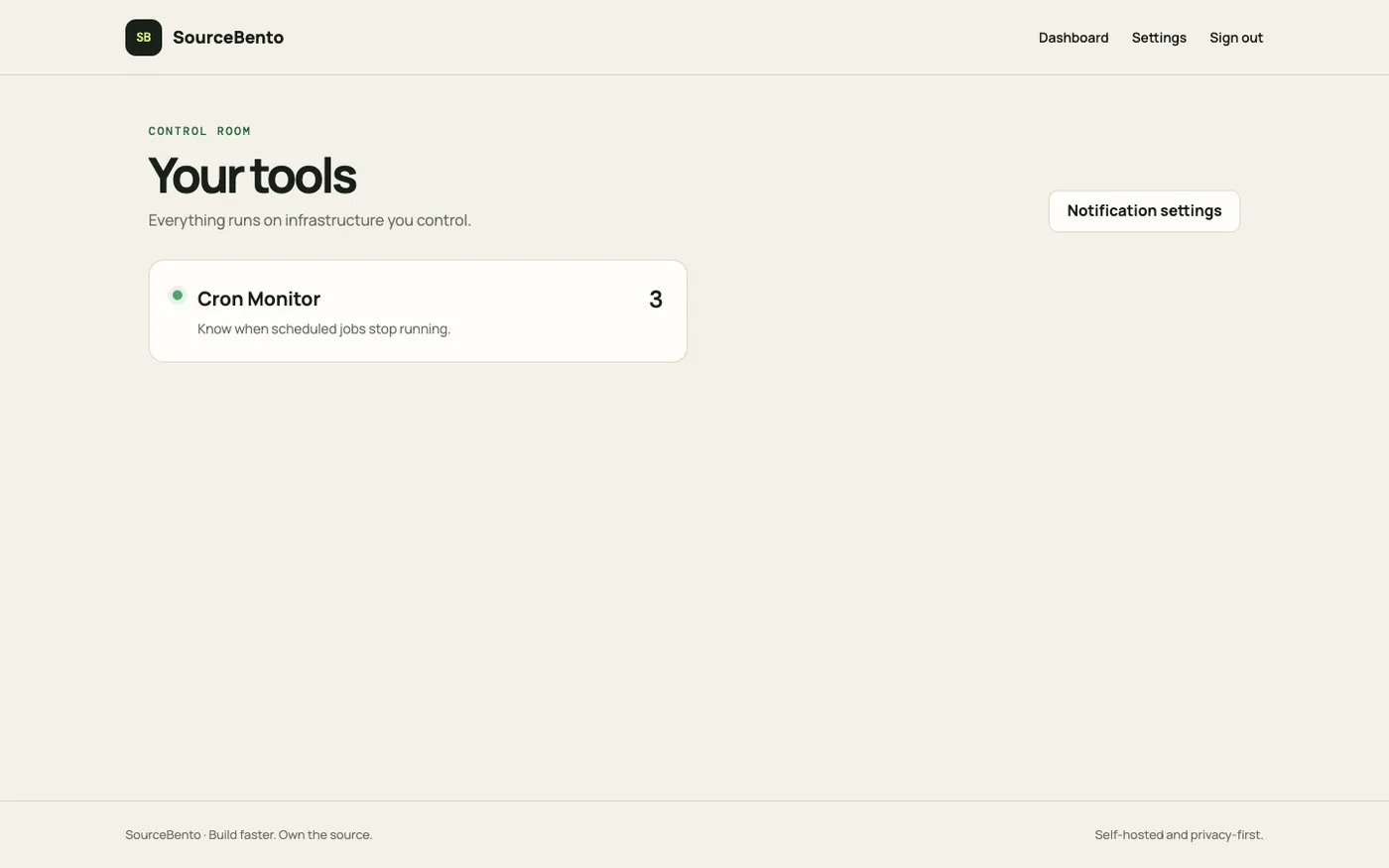
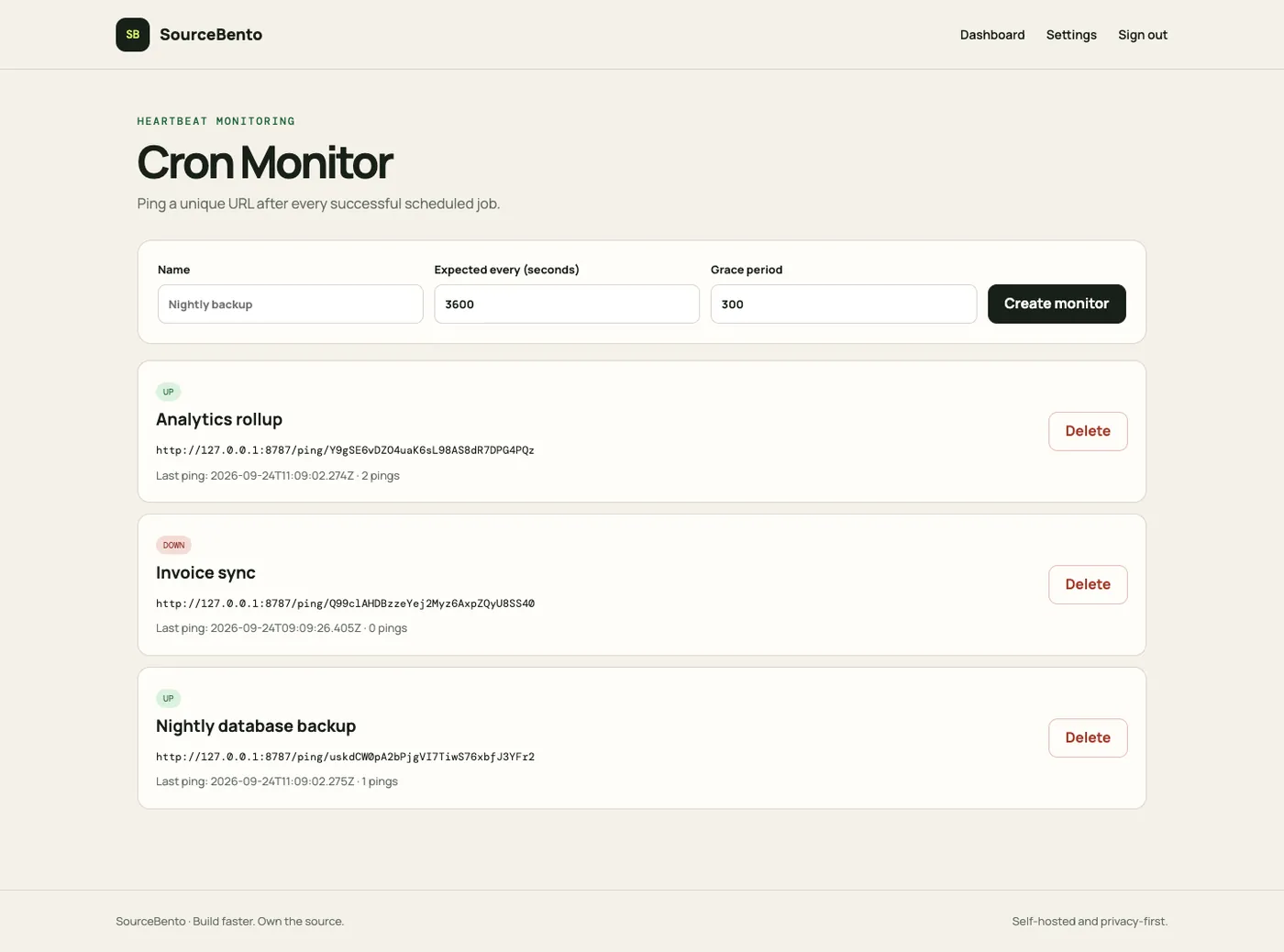
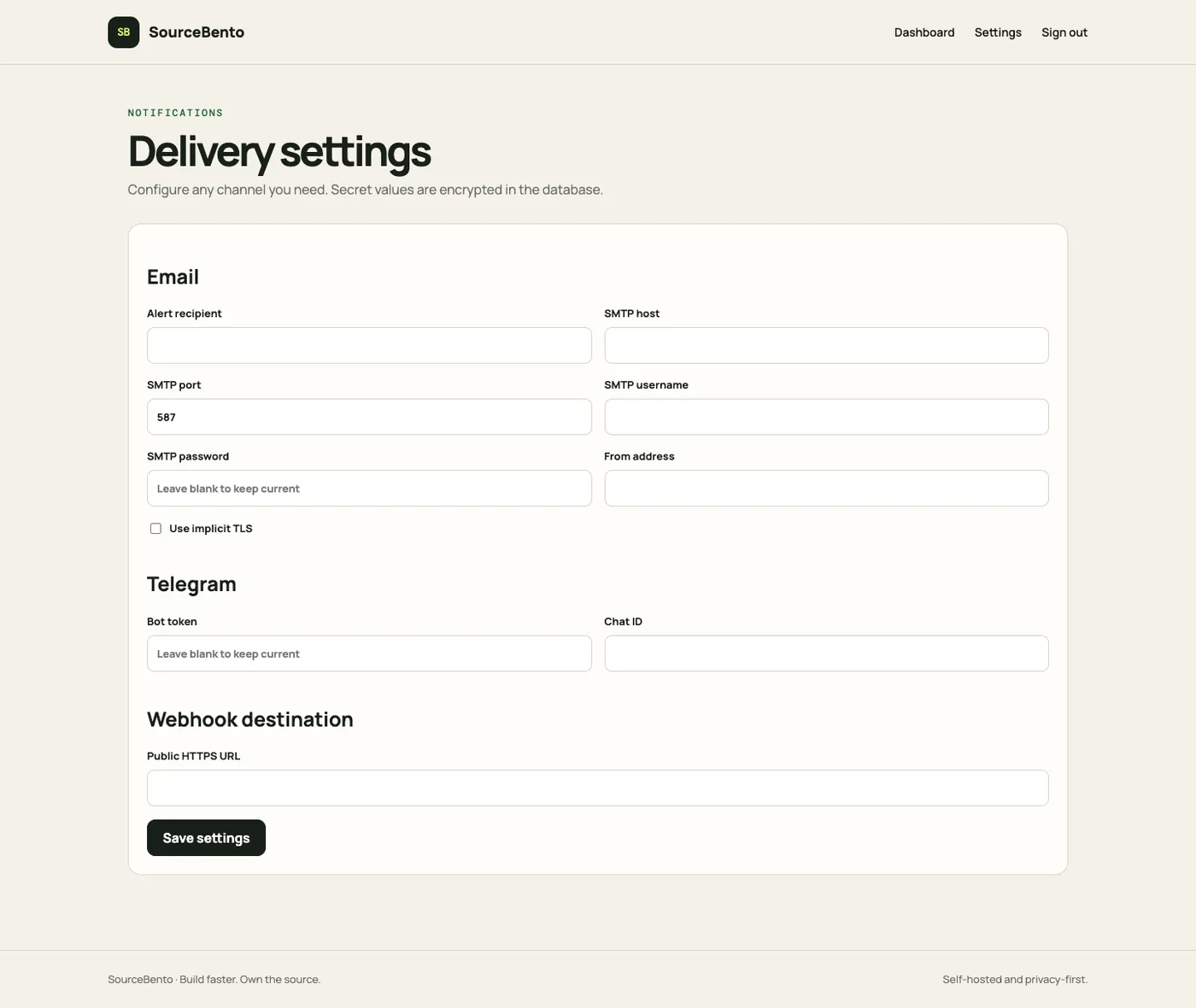
Sample data only. Nothing you do there affects anyone else.
Anything else? Email hello@bytechap.com.
Call the job's heartbeat URL when the job finishes, for example curl -fsS https://monitor.example.com/ping/<token> at the end of a crontab line.
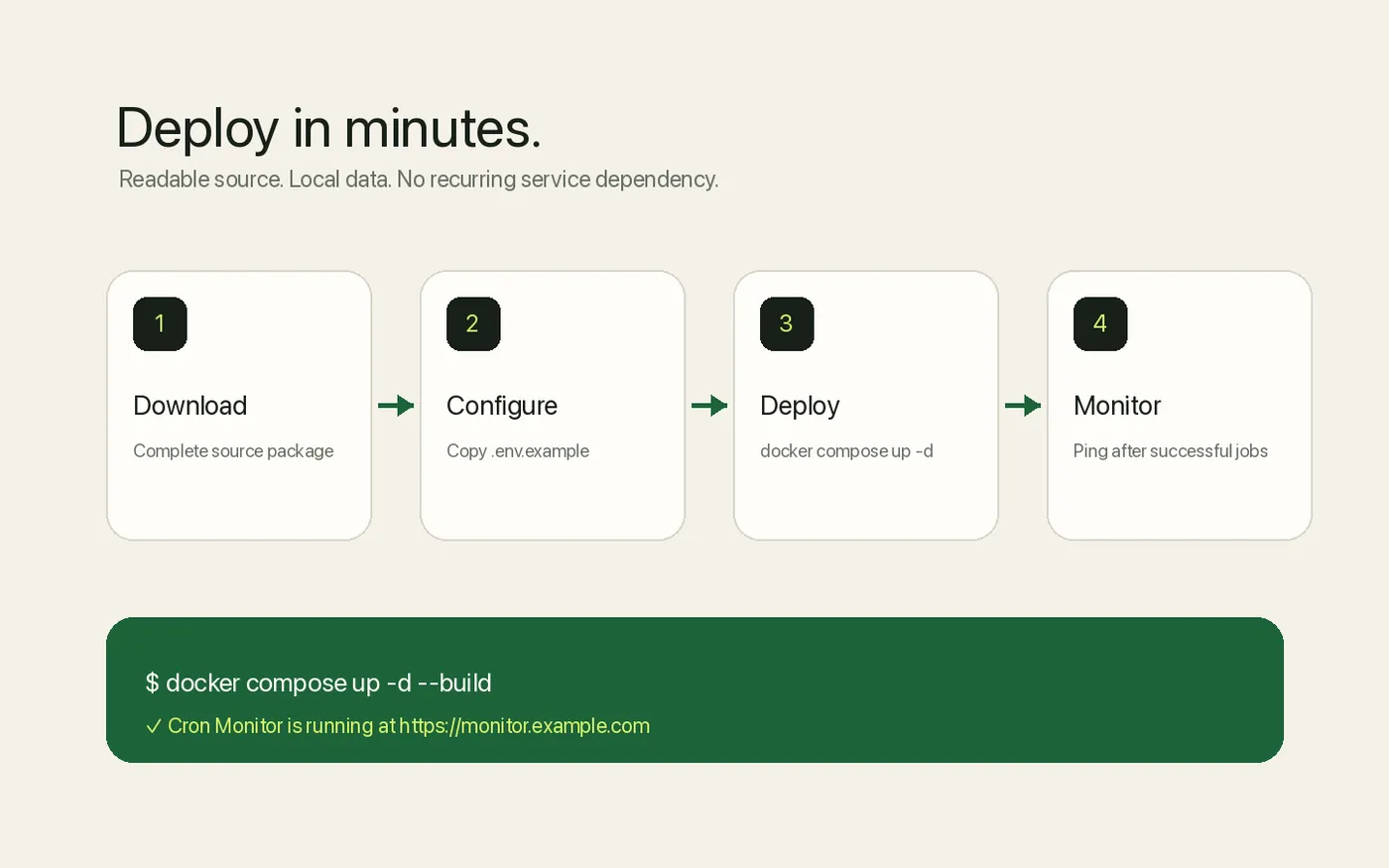
Docker Compose, or Node.js 20+ directly. Data is stored in SQLite, so there is no separate database server.
Yes. Email, Telegram and webhook alerts are built in, and the source is yours to extend.
Capture, inspect and safely replay webhooks on your own server.
Live demoEncrypted file sharing with passwords, expiry and download limits.
Live demoTurn messy spreadsheets into clean, validated data.
Live demoCatch expiring certificates and domains before your visitors do.
Live demo