Bulkhead prevents parallel Claude Code sessions from crashing your machine
A new zero-dependency tool uses hooks to isolate parallel AI coding agents, preventing port clashes, RAM exhaustion, and accidental data loss on shared machines.
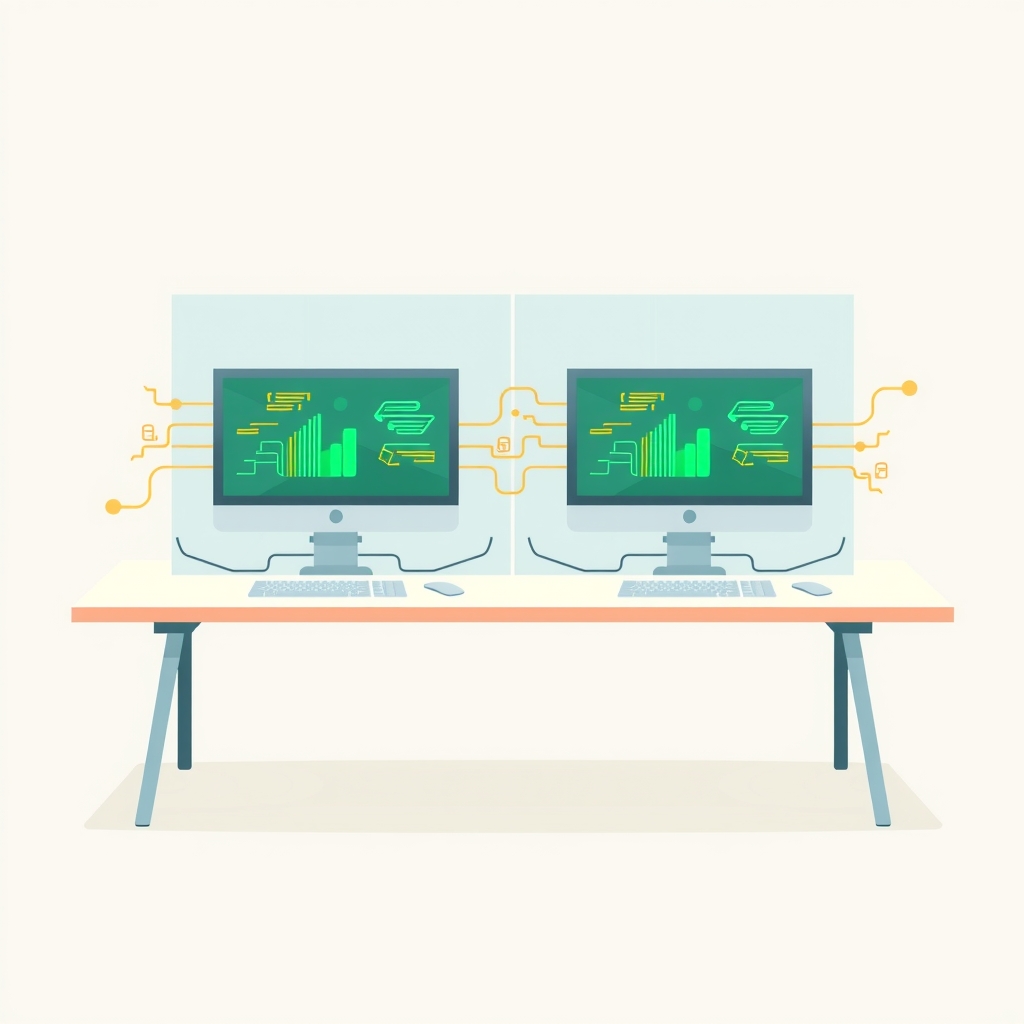
Developers running multiple instances of Claude Code on a single workstation often face resource contention, where one agent accidentally kills another’s server or exhausts system memory. A new open-source tool called claude-bulkhead addresses this by installing lightweight hooks that monitor and restrict shell commands across parallel sessions. Released in November 2026, it allows engineers to safely run concurrent AI assistants without manual process management.
What happened
As AI coding assistants become more autonomous, developers increasingly run multiple sessions simultaneously, often using separate git worktrees for different branches or features. While git isolates code changes, the underlying operating system does not isolate resources like ports, memory, or running processes. This leads to frequent collisions where one agent’s routine maintenance command, such as restarting a development server, inadvertently terminates processes belonging to other active sessions.
The creator of claude-bulkhead identified these friction points through numerous community reports where agents killed critical services or froze machines by saturating RAM. To solve this, they built a set of eight specific guards that act as intermediaries between the AI agent and the shell. These guards intercept commands before execution, checking them against the current state of all other active sessions on the machine.
The tool operates with zero external dependencies beyond Node.js 18, making it easy to install via the Claude Code plugin marketplace. It includes a scanning feature that analyzes past session transcripts to show users how many conflicts would have been prevented had the tool been active, providing immediate visibility into the scale of the problem without altering any existing workflows.
How it works
Claude-bulkhead leverages the hook system native to Claude Code, which allows small programs to run at fixed points, such as before every shell command. When an agent attempts to execute a Bash or PowerShell command, the relevant guard intercepts it. The guard then reads the global state directory, which tracks active sessions, their assigned ports, and their memory usage. If a command violates a safety rule, the hook blocks it and returns a specific error message with a safer alternative.
For example, if an agent tries to kill all Node processes to restart a server, the kill-guard checks if any of those processes belong to other sessions. If they do, the command is blocked, and the agent is instructed to target only its own process ID. Similarly, the memory-guard monitors available RAM and can queue heavy jobs using a shared slot system, ensuring that three simultaneous build processes do not freeze the entire machine.
The system also includes an orphan-reaper that triggers when a session ends. It automatically identifies and stops any dev servers, test workers, or watchers that the exiting session left running. This prevents the common issue of "zombie" processes consuming resources long after the AI agent has finished its task. All state is managed locally in a dedicated directory, ensuring no data leaves the machine.
Key details
- Eight specialized guards: Includes kill-guard, port-guard, memory-guard, checkout-guard, wait-guard, orphan-reaper, disk-guard, and basics.
- Zero-dependency architecture: Requires only Node.js 18 or later, with no other external libraries or services needed.
- Transcript scanning: The
bulkhead scancommand replays past session logs to identify historical conflicts without changing any data. - Remote execution support: Optional
bulkhead remotefeature allows offloading heavy builds or tests to another machine via SSH. - Real-time status: Provides a status line showing active sessions, free memory, and queued jobs with under 100ms latency.
- Safety defaults: Blocks dangerous operations like
rm -rfon root directories and prevents commits authored as "Claude" by default.
Why it matters
For technical leads and engineers building products with AI, reliability is paramount. Running multiple AI agents in parallel is a powerful way to accelerate development, but it introduces operational complexity that traditional tools do not handle. Without isolation, the cost of debugging environment issues caused by agent interference can outweigh the time saved by automation. Claue-bulkhead restores the predictability of the development environment by enforcing boundaries that the operating system lacks.
This tool also highlights a shift in how we manage AI agents. Instead of treating them as simple text generators, we must manage them as concurrent processes with resource needs and potential side effects. By implementing bulkhead patterns—named after the ship compartments that prevent flooding from sinking the whole vessel—developers can scale their AI usage safely. This approach reduces the cognitive load on engineers who no longer need to manually track which ports are in use or which processes belong to which branch.
What you can do
- Install the plugin via the Claude Code marketplace using
/plugin install bulkhead@bulkhead. - Run
/bulkhead:scan 30dto analyze your last month of transcripts and see potential conflicts. - Use
/bulkhead:doctorto verify that all guards are correctly configured and operational. - Monitor active sessions and resource usage in real-time with the
bulkhead topcommand. - Configure specific allow lists or thresholds in the project configuration file if certain commands need exceptions.
- Consider setting up
bulkhead remoteif you frequently hit memory limits during local builds.