AWS releases local emulator for testing cloud APIs offline
AWS has launched a local emulator for its APIs, allowing developers to test infrastructure code without an account or network connection.
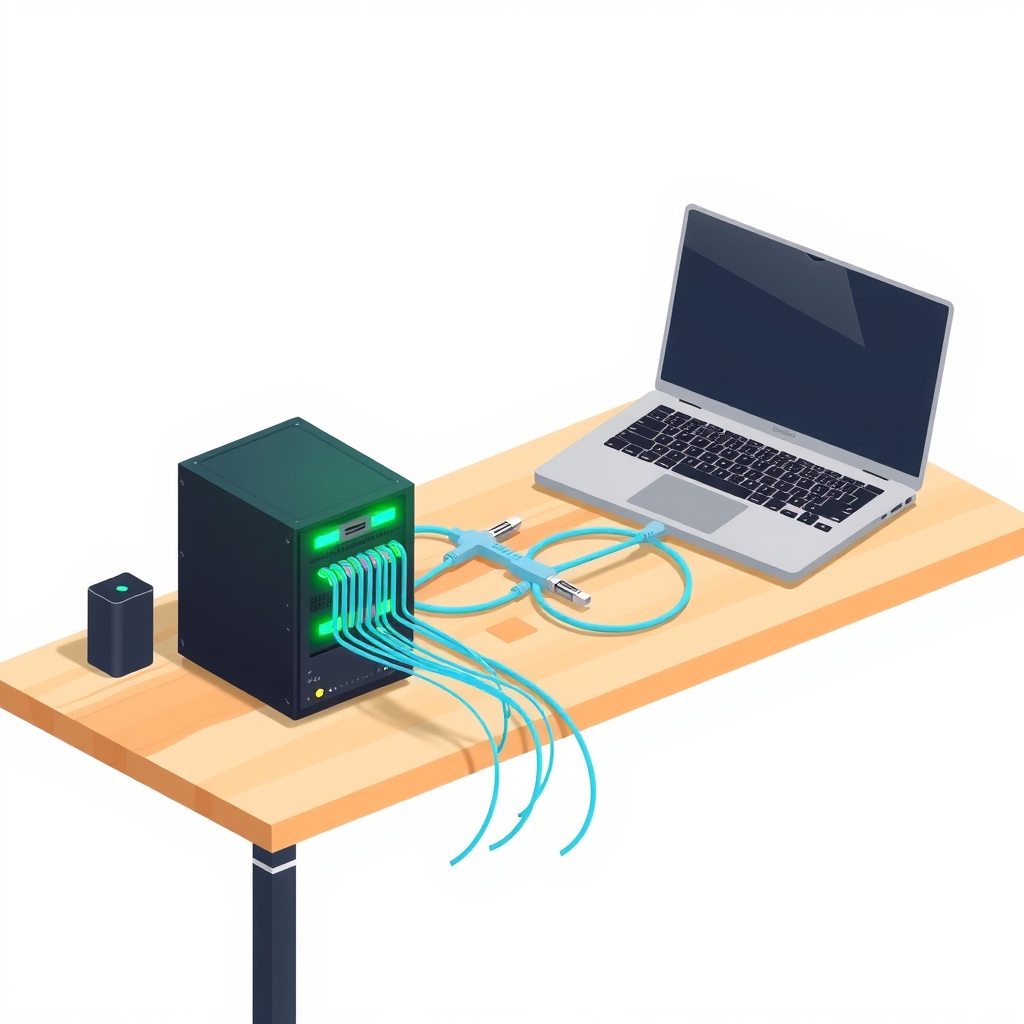
On November 11, 2026, AWS released the AWS Emulator, a local tool that mimics AWS API behavior on developer machines. This open-source project enables software teams to build and test cloud-dependent applications without incurring costs or requiring live network access to AWS services.
What happened
The new emulator acts as a local server that intercepts requests intended for AWS and processes them using emulated resources. Developers can run this tool on their own hardware, development servers, or within continuous integration pipelines. Because the traffic never leaves the local environment, there is no need for an active AWS account or internet connectivity during the testing phase. The tool carries no additional service fee; users only pay for actual AWS resources when they eventually deploy to the cloud.
This release targets the build and test stages of the software lifecycle. AWS explicitly states that the emulator is not suitable for production workloads or security testing. It serves as a functional stand-in for development, allowing engineers to validate logic and integration points before committing to real infrastructure. The project is hosted on GitHub under a CC0 1.0 Universal license, with some vendor components under Apache License 2.0.
How it works
The emulator operates as a local program that exposes an AWS API endpoint, typically serving HTTPS on localhost port 9297 with a self-signed certificate. It has no graphical interface. In standard server mode, developers start the emulator and configure their AWS CLI or SDKs to point to this local endpoint via environment variables. Once configured, code runs normally, but interactions happen with in-memory emulated state rather than remote cloud services.
For Rust developers, the tool offers an embedded mode. This approach compiles the emulator directly into the test binary as a dev-dependency. Instead of managing endpoints or certificates, tests wire the emulator’s HTTP client straight into the SDK client. This creates isolated instances per test, simplifying setup and teardown. However, this method increases build times and disk usage, as the emulator’s service crates are compiled alongside the project code.
Key details
- No AWS account required: Testing occurs entirely locally using emulated resources.
- Two operational modes: Server mode for general SDKs/CLI and embedded mode specifically for Rust tests.
- Platform support: Linux supports native installation or source builds; Windows and macOS require Docker containers.
- High resource demand for source builds: Building from source requires at least 100 GB of free disk space and a multi-core machine due to one crate per AWS service.
- Telemetry enabled by default: Usage data is collected anonymously, but can be disabled via command-line flags, environment variables, or config files.
- Fidelity tracking: Known gaps in API compatibility are tracked publicly in the repository’s issues directory.
Why it matters
For engineering teams, this tool removes significant friction from the development loop. Traditional cloud testing often involves waiting for remote provisioned resources, dealing with network latency, or managing complex mock setups that may drift from real API behavior. By providing a local, high-fidelity stand-in, developers can iterate faster and catch integration errors earlier. It also eliminates the risk of accidental costs from running test suites against live production accounts.
The embedded mode for Rust highlights a shift toward tighter integration between testing frameworks and infrastructure emulation. While it demands more from the build system, it offers greater isolation and reliability for unit tests. This is particularly valuable for teams practicing strict test-driven development where reproducibility is critical. However, the substantial disk and CPU requirements for building from source mean that CI pipelines must be carefully optimized to avoid excessive build times.
What you can do
- Install the
aws-emulatorskill if you use an AI coding agent with AWS CLI version 2.35.0 or later. - Use prebuilt RPM or Debian packages on Linux, or Docker containers on Windows and macOS, to avoid heavy source builds.
- Set the
EMULATOR_TELEMETRYenvironment variable tooffif your organization restricts outbound telemetry data. - Check the published fidelity scores on the releases page to verify if your specific AWS services are fully supported.
- Reuse the
CARGO_TARGET_DIRacross projects and cache build artifacts in CI to mitigate the high cost of embedded mode compilation. - Report any API discrepancies or bugs directly to the GitHub Issues page, including service names and SDK versions.