Share GPUs on Amazon EKS with NVIDIA Run:ai fractioning
A technical walkthrough demonstrates how to use the open-source NVIDIA Run:ai GPU Fractioning Operator to share a single A10G GPU across multiple pods on Amazon EKS.
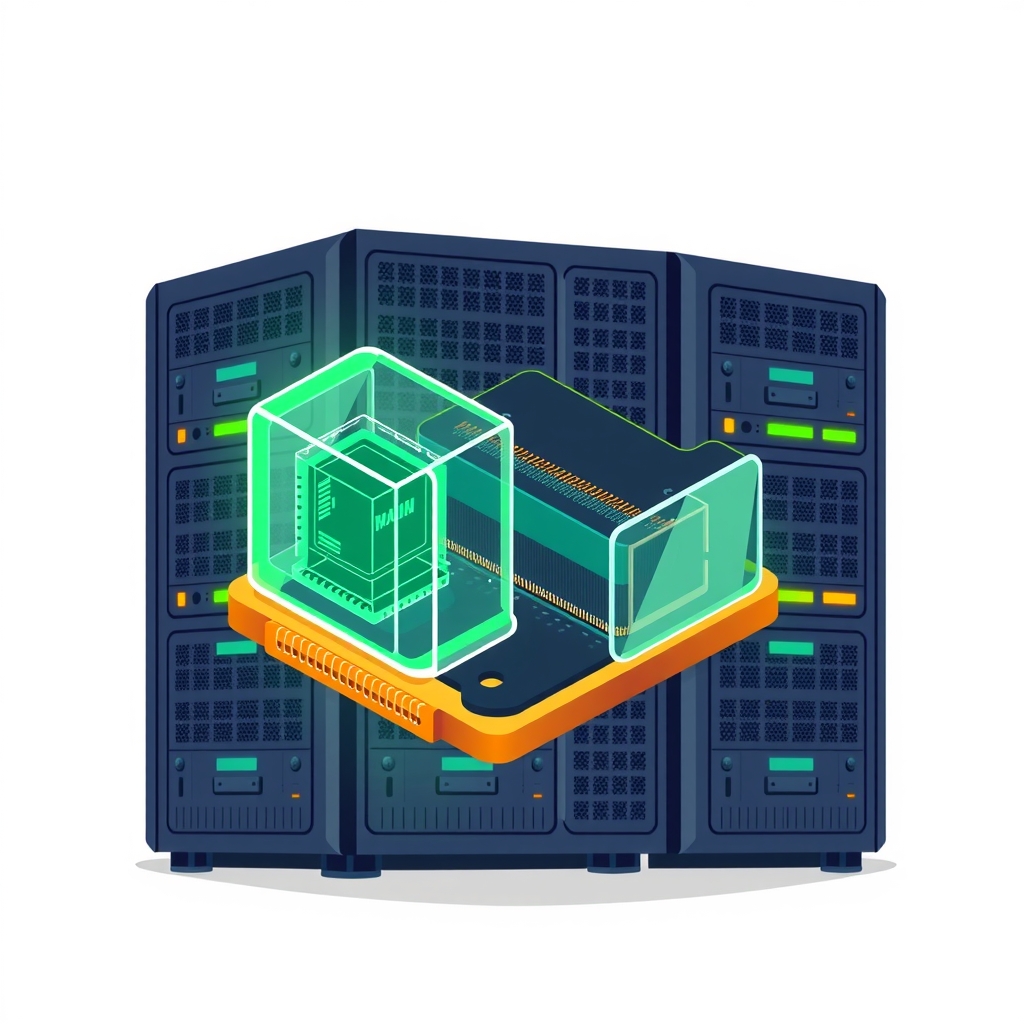
Amazon Web Services published a technical guide on November 19, 2026, detailing how to implement GPU sharing on Amazon Elastic Kubernetes Service (EKS) using the newly open-sourced NVIDIA Run:ai software. The walkthrough focuses on the GPU Fractioning Operator, which allows multiple workloads to share a single physical GPU by enforcing strict memory limits per pod. This approach targets scenarios where full GPU allocation is inefficient, such as interactive notebooks or small inference services.
What happened
NVIDIA announced the open-source release of its Run:ai platform on October 13, 2026. In response, AWS released a validated implementation guide showing how to integrate two specific components of this suite—the KAI Scheduler and the GPU Fractioning Operator—into an Amazon EKS cluster. The guide addresses a common bottleneck in AI infrastructure: when a GPU has available memory but is blocked because a previous job reserved the entire device.
The demonstration uses a single Amazon EC2 g5.xlarge instance equipped with an NVIDIA A10G Tensor Core GPU. In a standard configuration, only one pod can access this GPU at a time, even if it uses only a fraction of the available 23,028 MiB of memory. By installing the GPU Fractioning Operator, the system enables software-based sharing. This allows two separate pods to run concurrently on the same physical GPU, each constrained by a defined memory contract.
This solution is distinct from hardware-level partitioning like Multi-Instance GPU (MIG), which requires specific supported hardware. Instead, it builds on Multi-Process Service (MPS) and adds Kubernetes-native scheduling and enforcement. The guide emphasizes that this method is suitable for GPUs that do not support MIG or when flexible memory sizing is preferred over rigid hardware partitions.
How it works
The core mechanism relies on the GPU Fractioning Operator, which integrates with the Kubernetes scheduler to manage resource allocation. Unlike standard device plugins that expose a GPU as a single binary resource, this operator introduces the concept of memory contracts. Each pod requests a specific amount of GPU memory, such as 8 GiB, rather than the whole device. The operator then ensures that the sum of these contracts does not exceed the physical limits of the GPU.
Under the hood, the system uses a daemon called fractiond integrated via the Node Resource Interface (NRI). This component communicates with the NVIDIA driver to enforce memory limits and isolate workloads. It also leverages MPS to allow concurrent CUDA processes from different containers to execute on the same GPU. While MPS handles the compute concurrency, the operator handles the scheduling logic and memory enforcement, providing metrics for each pod’s usage.
The implementation requires a custom Amazon Linux 2023 image because the standard EKS-optimized images did not yet include the necessary R615 driver branch at the time of validation. The driver version 615.71.10 is critical for supporting the fractioning features. Once the custom image is built and deployed, the KAI Scheduler takes over pod placement, ensuring that pods with compatible memory requests are co-located on the same GPU node.
Key details
- Validated Hardware: The guide specifically validates the setup on an NVIDIA A10G GPU within a g5.xlarge EC2 instance in the us-east-2 region.
- Software Versions: The test uses Amazon EKS version 1.36, NVIDIA driver 615.71.10, and GPU Fractioning Operator version 0.1.7.
- Memory Contracts: In the demo, two pods each request an 8 GiB memory limit. Both successfully allocate 6 GiB of actual memory, leaving room for runtime overhead.
- Enforcement: When a pod attempts to allocate 9 GiB against an 8 GiB contract, the allocation fails with an out-of-memory error, proving the limit is enforced.
- Custom AMI Required: Users must build a custom Amazon Machine Image (AMI) with the R615 driver branch, as the default EKS AL2023 NVIDIA image used older R580/R595 branches.
- No Security Guarantee: The guide explicitly states that while memory is limited, fault containment is not a security guarantee. Workloads share an error domain depending on the compute mode.
Why it matters
For engineering teams building AI products, GPU costs are a significant portion of the infrastructure budget. Idle GPU memory represents wasted spend. By enabling fractioning, organizations can increase the density of workloads on expensive GPU instances. This is particularly valuable for development environments, where data scientists run Jupyter notebooks that may sit idle for long periods, or for batch evaluation jobs that require minimal GPU resources.
However, this approach introduces complexity in cluster management. Engineers must move away from simple "one pod per GPU" mental models and start managing memory contracts. This requires careful monitoring to ensure that cumulative memory requests do not lead to contention that degrades performance for all shared workloads. It also demands strict version control over drivers and operators, as seen in the need for a custom AMI.
Furthermore, this solution fills a gap for hardware that does not support MIG. Many existing GPU instances in cloud environments lack MIG capabilities. Software-based fractioning provides a path to better utilization for these legacy or non-MIG-capable devices without requiring hardware upgrades. It offers a middle ground between the isolation of MIG and the uncontrolled sharing of basic time-slicing.
What you can do
- Assess Workload Profiles: Identify workloads with low or intermittent GPU memory usage, such as model evaluation scripts or development notebooks, as candidates for fractioning.
- Validate Driver Compatibility: Check if your current GPU instances support the required NVIDIA R615 driver branch or newer before attempting implementation.
- Build Custom AMIs: Prepare a pipeline to build and maintain custom Amazon Linux 2023 images with the correct NVIDIA driver and container toolkit versions.
- Test Memory Limits: Start with conservative memory contracts. Measure peak usage of your applications and add overhead before setting the limit in the pod specification.
- Monitor Per-Pod Metrics: Implement monitoring for the
gpu_fractioning_gpu_memory_used_bytesmetric to track actual usage versus contracted limits. - Use Disposable Environments: Test the setup in a temporary cluster first, as the configuration involves complex interactions between the scheduler, operator, and driver.