Minipg runs PostgreSQL as a single executable without Docker or VMs
Minipg embeds PostgreSQL 18 in a single binary using h9 and Zig, eliminating server configuration and enabling portable, self-contained database instances for developers.
A new tool called minipg allows developers to run PostgreSQL as a single, self-contained executable without the need for complex server configuration or container orchestration. Released in late November 2026, this project leverages the h9 virtualization library and the Zig programming language to embed a full Postgres instance directly into a lightweight application workflow.
What happened
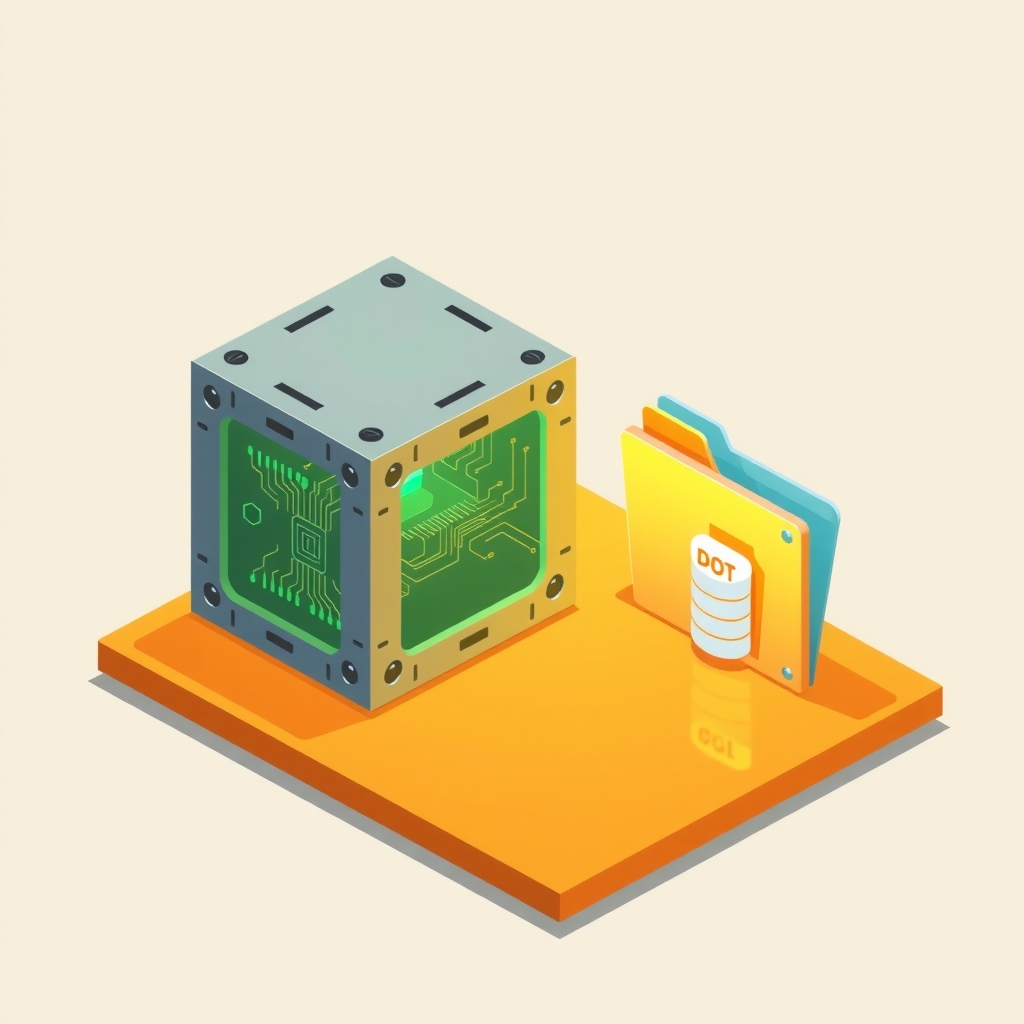
Minipg introduces a novel approach to local database management by packaging PostgreSQL 18 from the official Alpine Linux Docker image into a standalone binary. Instead of managing a separate database server, configuring network ports, or maintaining Docker containers, users interact with a simple directory structure. A .pgdb directory serves as the complete database unit, containing all data, configuration files, credentials, and the specific Postgres version required.
The tool operates on an on-demand model. When a user executes a command such as minipg app.pgdb, the system checks for a running server. If none exists, it starts one in the background. Once the command completes and the connection becomes idle, the server stops automatically. This lifecycle management removes the traditional overhead of keeping a database service running continuously during development or testing phases.
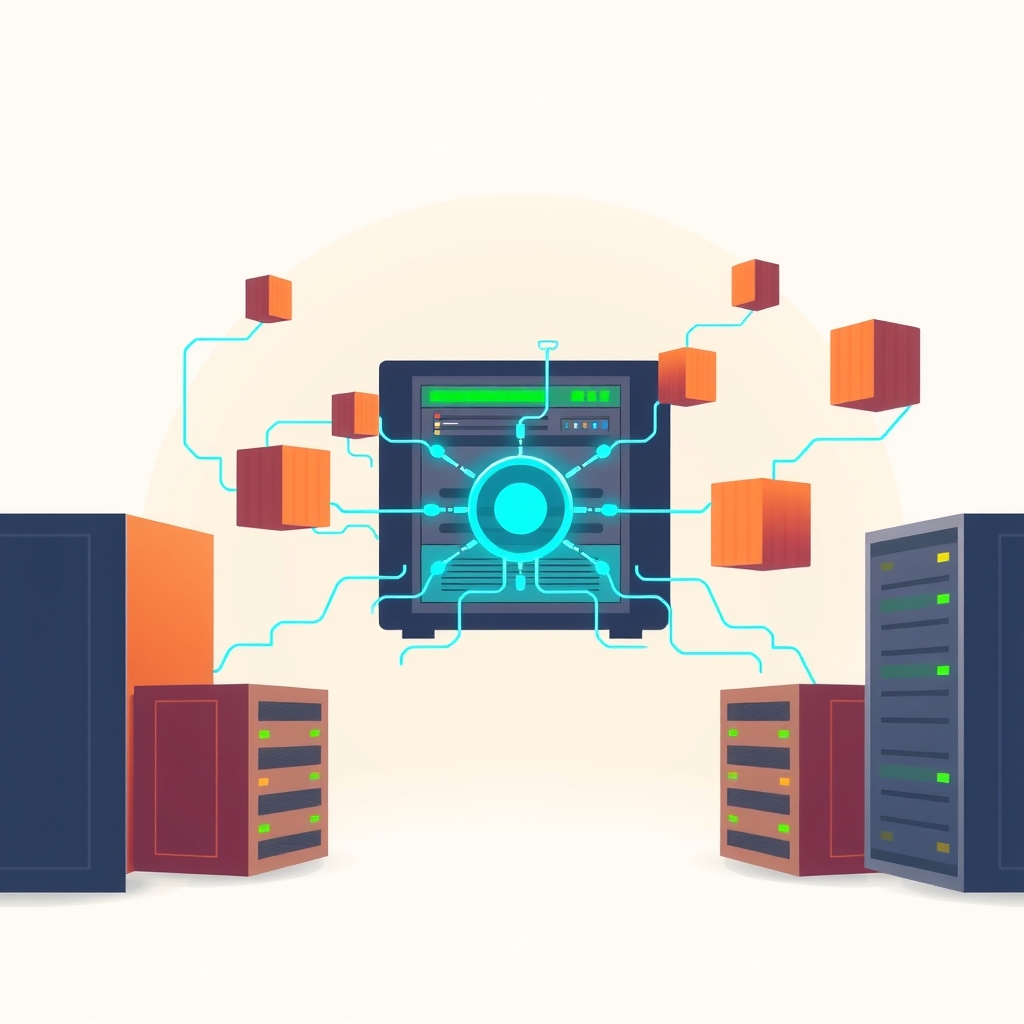
Under the hood, minipg does not emulate a full operating system or rely on standard virtualization methods. It uses h9, a library written in Zig, to execute the Alpine Postgres binaries directly on the host’s hypervisor. The h9 Plan 9 kernel intercepts and answers system calls from the Postgres process, allowing it to run natively without booting a Linux kernel or creating a virtual machine image. This architecture eliminates the need for Docker, reducing both resource consumption and setup complexity.
How it works
The core mechanism relies on embedding the postgres:18-alpine image within the minipg executable. When initialized, h9 unpacks this image to serve as the read-only root filesystem for the Postgres process. The writable layer maps directly to the .pgdb directory on the host machine. This design ensures that the database state is persistent and portable, as the entire database can be copied or moved like any standard folder.
Concurrency and consistency are managed through a strict locking mechanism. Only one process can control the server for a given .pgdb directory at any time. This lock holds the h9 machine instance, ensuring that commands like psql or pg_dump do not attempt to start conflicting servers. Instead, these client tools spawn their own short-lived h9 machines, which initialize in approximately 90 milliseconds, connecting to the shared root filesystem to execute their tasks.
For environments lacking hardware virtualization support, such as certain continuous integration pipelines, minipg includes a fallback. If /dev/kvm is unavailable, h9 switches to its native backend, allowing the static Linux binary to run without special privileges or device access. This makes the tool particularly suitable for automated testing where speed and simplicity are critical.
Key details
- Minipg embeds the
postgres:18-alpineimage and runs it using h9 as a Zig library. - Database state is stored in a
.pgdbdirectory, which includes data, config, and credentials. - The server starts automatically when needed and stops when idle, requiring no manual service management.
- New clusters use the
C.UTF-8locale by default to ensure consistent sorting across platforms. - The demo requires JavaScript Promise Integration, available in Chrome and Edge version 137 and later.
- Client tools like psql run in isolated h9 machines that start in about 90 ms.
Why it matters
For software engineers and technical founders, minipg simplifies the local development environment significantly. Traditional PostgreSQL setups often require installing system packages, managing user permissions, or configuring Docker Compose files. By collapsing these requirements into a single executable and a directory, minipg reduces friction for new projects and makes it easier to share reproducible database states among team members. The ability to copy a .pgdb directory effectively clones the database, aiding in debugging and state sharing.
In continuous integration and deployment pipelines, speed and reliability are paramount. Minipg’s static binary nature means it can be dropped into a CI job without needing privileged containers or complex setup scripts. Tests can initialize a fresh database, run suites, and tear down cleanly with minimal overhead. This efficiency can lead to faster feedback loops for developers, reducing the time spent waiting for infrastructure to provision.
What you can do
- Download the minipg binary and initialize a test database using
minipg init test.pgdb. - Run quick SQL queries directly from the command line with
minipg app.pgdb "select 1". - Integrate minipg into your CI pipeline by adding the static binary to your build environment.
- Use
minipg dumpandminipg restoreto backup and migrate database states easily. - Start your application with the correct environment variables using
minipg run app.pgdb -- npm start. - Explore the interactive demo in a supported browser to see the Linux build running in-browser.