DeepSeek's dsh-superagent prototype runs commands as your OS user
DeepSeek released an open-source coding agent prototype that executes shell commands with the operator's system privileges, requiring strict isolation.
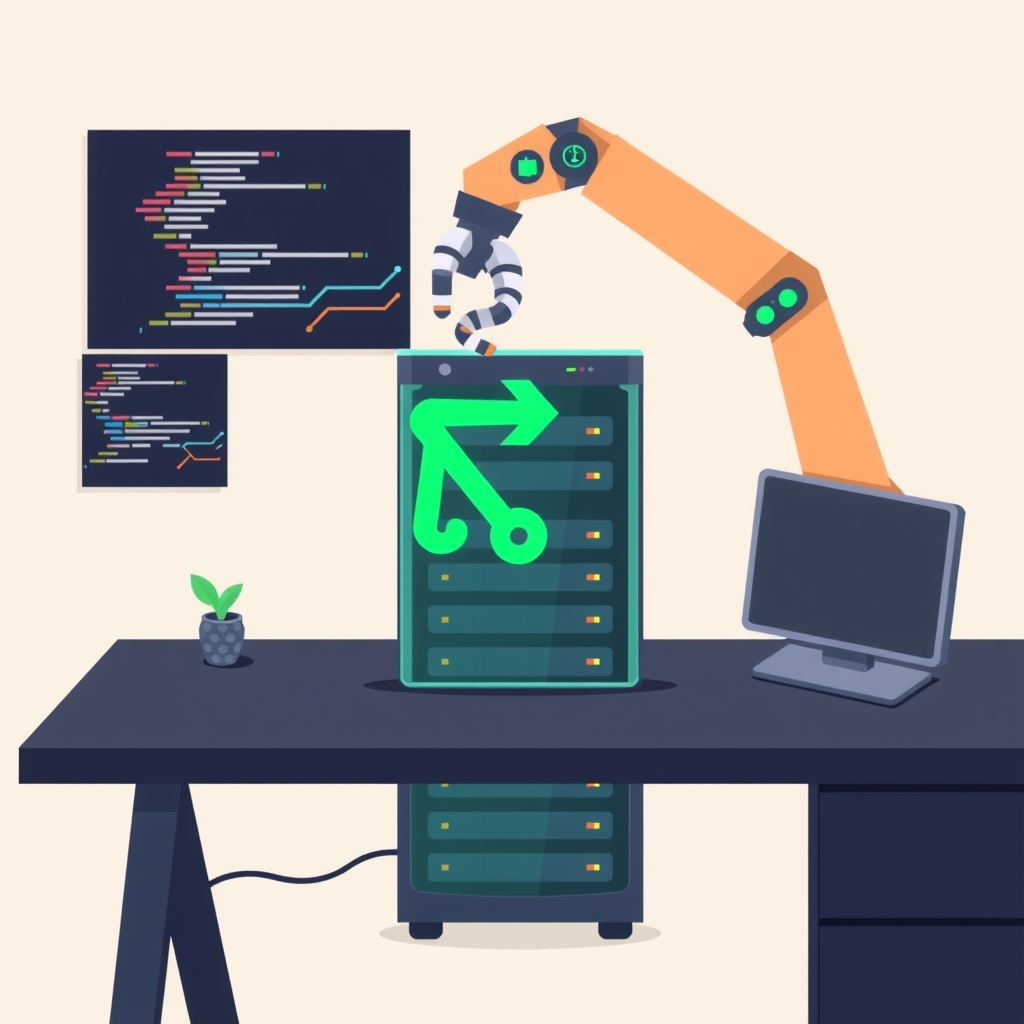
DeepSeek has published dsh-superagent, an MIT-licensed research prototype of a coding agent that integrates with GitHub and Feishu to generate pull requests. Released in early November 2026, this tool is designed to automate software development tasks by listening to chat threads and executing code changes directly within a repository. While it promises to reduce human attention overhead, its execution model grants the agent significant system-level access, demanding careful operational security from developers who choose to run it.
What happened
The new repository describes a proactive coding agent scoped to a single GitHub repository. When an authorized user explicitly addresses the agent or follows up on an existing ticket, the system creates a work item called a Ticket. It then processes the request in an isolated session and folder, eventually replying to the original conversation thread with results, such as a pull request or a request for further clarification. The setup process is itself automated, guiding the operator through configuration via a series of questions based on a SETUP.md file.
DeepSeek explicitly labels this release as a research prototype, noting that it differs significantly from their internal production version. The documentation emphasizes a principle of minimizing human intervention while maximizing output value. The agent confirms receipt of a request, remains silent during execution, and only re-engages when a result is ready, a decision is required, or it encounters a blocking issue. A web panel provides visibility into items requiring human review, ensuring that operators can monitor progress without constant polling.
How it works
The core of the system is its authorization and execution model, which distinguishes between explicit requests, inferred context, and ignored inputs. Each incoming message is assigned a strength level. An explicit request occurs only when an allowed person directly addresses the agent or continues a thread associated with an active Ticket. Inferred requests come from unlisted users following up on a Ticket or bots on a specific allowlist. All other inputs, including messages from unlisted users who do not address the agent, are ignored by default. This structure prevents random noise or unauthorized actors from triggering workflows.
Proactive work, or tasks nobody explicitly asked for, requires a written rule and depends on the accept mode setting. In observe mode, the default, the agent assesses potential tasks and records what it would have done without executing anything. In auto mode, positive assessments trigger immediate execution. Every accepted Ticket carries a Mandate, a record of why it was allowed, including the rule, sender, and policy version. This Mandate can be revoked if a person issues a stop command or if a safety check fails, ensuring that permissions are dynamic and reversible.
Crucially, the execution environment runs commands without approval as the operator's operating system user. Each Ticket gets a unique worker session and folder, but the underlying process inherits the privileges of the user account running the agent. This means the agent has access to SSH keys, cloud credentials, and other repositories available to that user. Shell commands move to the background after five seconds, and background jobs are killed after thirty minutes, but the initial access level is broad. As the documentation states, "Executor sessions run commands without approval as the operator's OS user."
Key details
- License and status: The project is MIT-licensed and labeled as a research prototype, distinct from DeepSeek's internal tools.
- Execution privilege: Worker sessions run shell commands as the operator's OS user, inheriting all local permissions and credentials.
- Authorization levels: Requests are classified as explicit, inferred, or not admitted, with strict defaults that ignore unlisted users.
- Proactive modes: The default observe mode records intended actions without executing them, while auto mode performs work automatically.
- Mandate system: Each task has a revocable permission record that checks against current policies before resuming paused work.
- Input isolation: Messages and comments serve as input data only and cannot alter permission structures, mitigating some prompt injection risks.
Why it matters
For software engineers and technical leads, this prototype highlights a critical tension in AI agent design: convenience versus security. The ability to automate pull requests and handle routine coding tasks is highly attractive, but the decision to run commands as the host user introduces substantial risk. If an attacker gains control of the chat interface or exploits a vulnerability in the agent's logic, they could potentially execute arbitrary commands with the same privileges as the developer running the service. This includes accessing sensitive environment variables, SSH keys, and local file systems.
The distinction between the research prototype and DeepSeek's internal version suggests that the company has likely implemented additional safeguards in their production environment that are not present here. Developers experimenting with this code must assume that the security model is minimal. The responsibility for isolating the agent falls entirely on the operator. This shifts the burden of security from the platform provider to the individual team, requiring a mature understanding of system administration and least-privilege principles.
What you can do
- Run the agent on a dedicated virtual machine or container with no access to personal SSH keys or cloud credentials.
- Create a separate, limited-privilege operating system user specifically for running the agent processes.
- Scope the GitHub token used by the agent to read and write access for only the single target repository.
- Keep the accept mode set to observe initially, reviewing all proposed actions before switching to auto mode.
- Restrict the allowed list of users strictly to trusted team members and leave unlisted addressing set to ignore.
- Read the documentation files docs/000, docs/002, and docs/003 thoroughly before executing the setup script.