Cloakroom masks secrets from AI coding agents before they see them
A new open-source tool intercepts file reads and commands to hide API keys and personal data from AI agents like Claude Code and Codex, replacing them with placeholders.
Shanjeev Rajendran released Cloakroom, an open-source utility that masks API keys, passwords, and personally identifiable information (PII) on local machines before AI coding agents process them. Published on GitHub in November 2026, the tool integrates directly with popular agents including Claude Code, Codex CLI, Gemini CLI, and Cursor to prevent accidental secret leakage during development workflows.
What happened
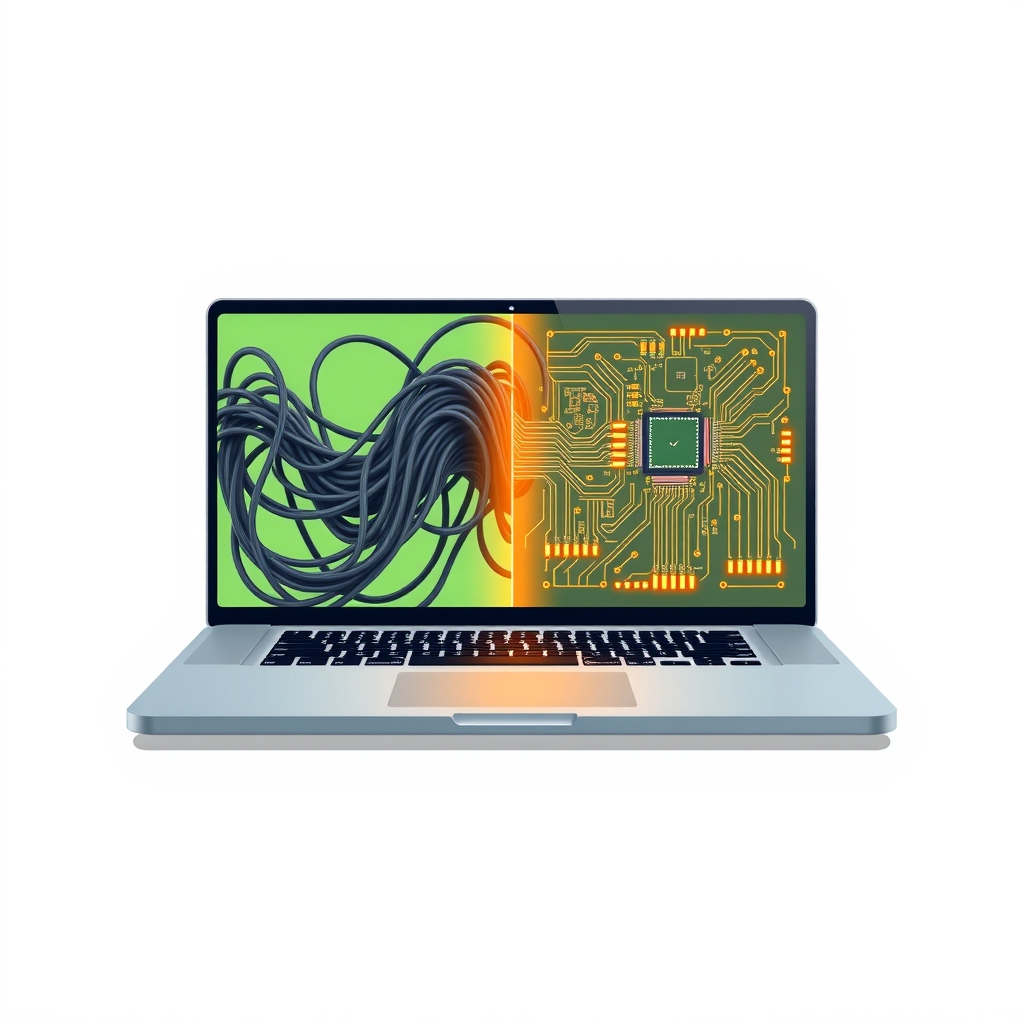
Developers increasingly rely on AI coding agents to read files, execute commands, and generate code, creating a significant risk that sensitive credentials or private data embedded in repositories will be exposed to external models. Cloakroom addresses this by acting as an intermediary layer that scans data flowing into and out of these agents. It identifies secrets and PII using pattern rules and a local detection model, swapping real values for session-specific placeholders like PII_SECRET_1 before the agent ever sees them.
The tool operates entirely on the user’s machine, ensuring that no raw secrets leave the local environment except for the initial one-time download of its detection model. When the AI agent writes files or executes commands containing these placeholders, Cloakroom intercepts the output and restores the original real values just before they are written to disk or executed in the shell. This bidirectional masking allows developers to use AI assistants without manually scrubbing their codebases or risking credential exposure through prompt injection or accidental context inclusion.
Installation varies by agent. For Claude Code on Mac, Windows, or Linux, users install a plugin that bootstraps the Cloakroom program. For Codex, Gemini CLI, and Cursor on Mac and Linux, the tool is installed via Python’s uv package manager. The system includes safety mechanisms where agents cannot approve their own held calls or disable the hooks, requiring explicit user confirmation via terminal commands for any blocked actions.
How it works
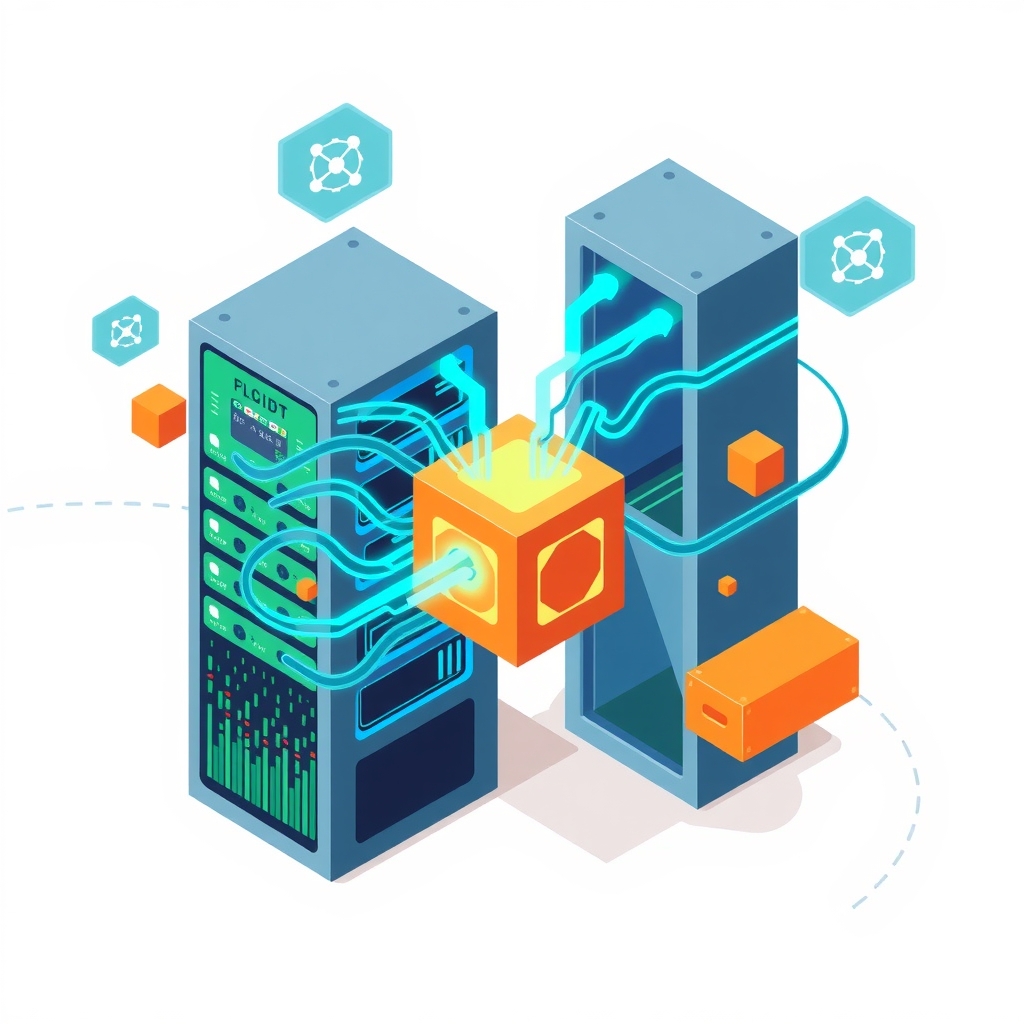
Cloakroom functions by injecting hooks into the agent’s tool-calling pipeline. When an agent attempts to read a file, view command output, or process MCP results, Cloakroom intercepts the data stream. It applies a combination of regex-based pattern matching and a small local machine learning model called PII-Tracer to identify sensitive strings. Once detected, each secret is replaced with a unique placeholder that remains consistent throughout the session. These mappings are stored in an encrypted vault on the local machine, with encryption keys secured in the operating system’s native keystore, such as macOS Keychain or Windows Credential Manager.
On the return path, when the agent generates code or commands containing these placeholders, Cloakroom swaps them back to their original values. This happens immediately before the data is written to the filesystem or passed to the shell for execution. If the tool encounters data it cannot verify or mask safely, it holds the operation rather than letting it pass unchecked, forcing the developer to review and explicitly allow the action. This fail-safe approach prioritizes security over convenience, ensuring that unmasked secrets never inadvertently reach the AI model.
Key details
- Zero leakage in tests: In held-out test sets, Cloakroom allowed zero out of 1,005 personal details and zero out of 77 vendor-format keys to pass through, whereas other tested tools let between 119 and 992 details slip.
- Local-only processing: No data leaves the machine except for the initial model download; the detection model runs locally to identify secrets without sending content to external APIs.
- Encrypted vault storage: Secret-to-placeholder mappings are stored in an encrypted local vault, with keys protected by the OS keystore, preventing the AI agent from accessing the decryption key.
- Broad agent support: Works with Claude Code (Mac, Windows, Linux), Codex CLI, Gemini CLI, and Cursor (Mac, Linux), covering file reads, command outputs, and image OCR.
- Prompt injection defense: The tool prevents agents from approving their own held calls, switching off Cloakroom, or injecting hooks into config files without explicit user authorization via
cr: allow. - False positive trade-off: To achieve zero leakage, the tool masks more harmless text than secret-only scanners, though users can tune rules via a dashboard to reduce future false alarms.
Why it matters
For software engineers and technical leads, the integration of AI agents into daily workflows has blurred the line between local development and external processing. Traditional secret management tools often focus on preventing commits to version control or scanning static files, but they do not address the dynamic runtime context where agents read live files and execute commands. Cloakroom fills this gap by securing the data pipeline at the point of interaction, ensuring that even if a developer forgets to redact a file, the agent never receives the raw credential. This reduces the cognitive load on developers who no longer need to meticulously sanitize every context window before invoking an AI assistant.
The tool’s architecture also highlights a shift toward client-side security controls for AI interactions. By keeping the detection model and secret vault local, it mitigates risks associated with cloud-based scanning services that might themselves become targets or compliance liabilities. The ability to retroactively scan old chats for exposed personal data further extends its utility beyond real-time protection, helping teams audit past interactions for potential breaches. However, developers must remain aware that this is not a sandbox; it prevents accidental leaks but does not stop malicious prompt injection if the agent is compromised, meaning it should be used alongside other security best practices.
What you can do
- Install Cloakroom for your primary AI agent using the specific commands for Claude Code, Codex, Gemini, or Cursor found in the official documentation.
- Run
cloakroom doctorafter installation to verify that all hooks are active and the health check returns ok for every component. - Use
cloakroom exposure --personalto scan old chat histories from supported agents for any previously leaked personal data or credentials. - Configure the
cloakroom dashboardto review false positives and mark harmless masked items so the rule engine ignores them in future sessions. - Avoid pasting secrets directly into prompts; instead, use the
cloakroom give NAMEcommand to inject credentials via hidden prompts that provide placeholders to the agent. - Regularly run
cloakroom updateto ensure the detection model and hook integrations are current, especially after updating the underlying AI agent software.