WordPress blocks six backdoored plugins before release
WordPress removed six WP Connect plugins containing remote code execution backdoors on November 22, 2026, preventing a supply chain attack on over 3,600 sites.
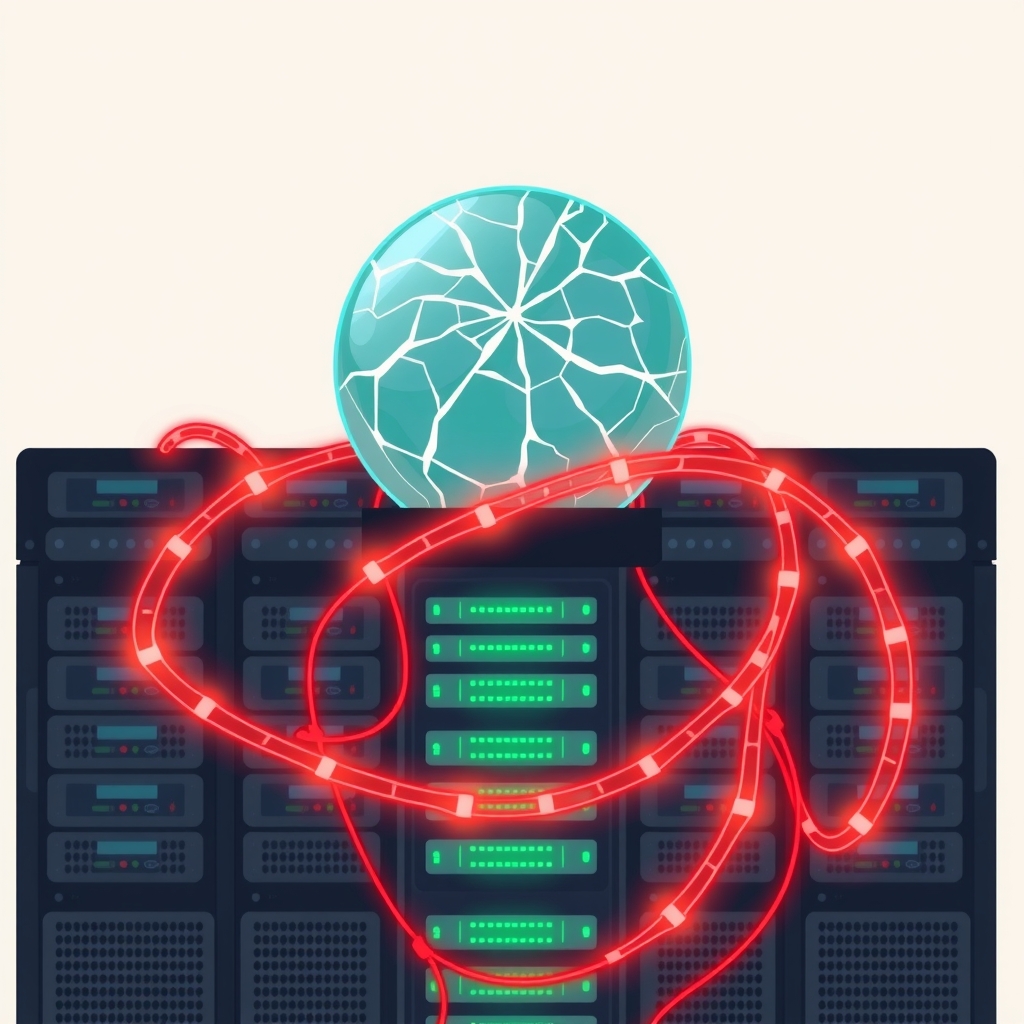
On November 22, 2026, the WordPress plugins team proactively blocked and removed six plugins developed by WP Connect after detecting malicious backdoors. The incident involved a suspected compromise of the developer’s account, which was used to inject code capable of arbitrary remote execution. Although the compromised versions were never officially released to the public, the action prevented a potential supply chain attack targeting thousands of WordPress installations.
What happened
The affected plugins include Air WP Sync (versions 2.9.1–2.9.4), WP Sync for Notion (1.7.4), Add-on Brevo for Gravity Forms (2.6.3), Add-On for Contact Form 7 to Airtable (2.5.4), Add-On for Contact Form 7 to Notion (1.6.4), and Orders Sync to Airtable for WooCommerce (1.0.2). According to security firm Wordfence, these plugins had been collectively installed on more than 3,600 WordPress sites prior to the discovery. The vulnerability is tracked as CVE-2026-135202 with a critical CVSS score of 9.8 and remains unpatched because the malicious code was deliberately inserted rather than being an accidental bug.
Visiting any of the plugin listings on the WordPress repository now displays a permanent closure notice stating that the plugin is not available for download. The WordPress team intervened using new cooldown protections under their "Protect The Shire" initiative, which allowed them to detect and stop the malicious releases before they went live. This proactive measure means that sites running legitimate, older versions of these plugins are unlikely to be affected, but users must verify they are not running the specific compromised version numbers.
Security researcher Chloe Chamberland noted that this was not a coding error but a deliberate injection committed to the repository. Evidence suggests the developer’s WordPress.org account was compromised, allowing attackers to push the malicious updates. This distinction is crucial because it means there is no software patch to fix the issue; the only remedy is removing the compromised plugin entirely if it was somehow installed.
How it works
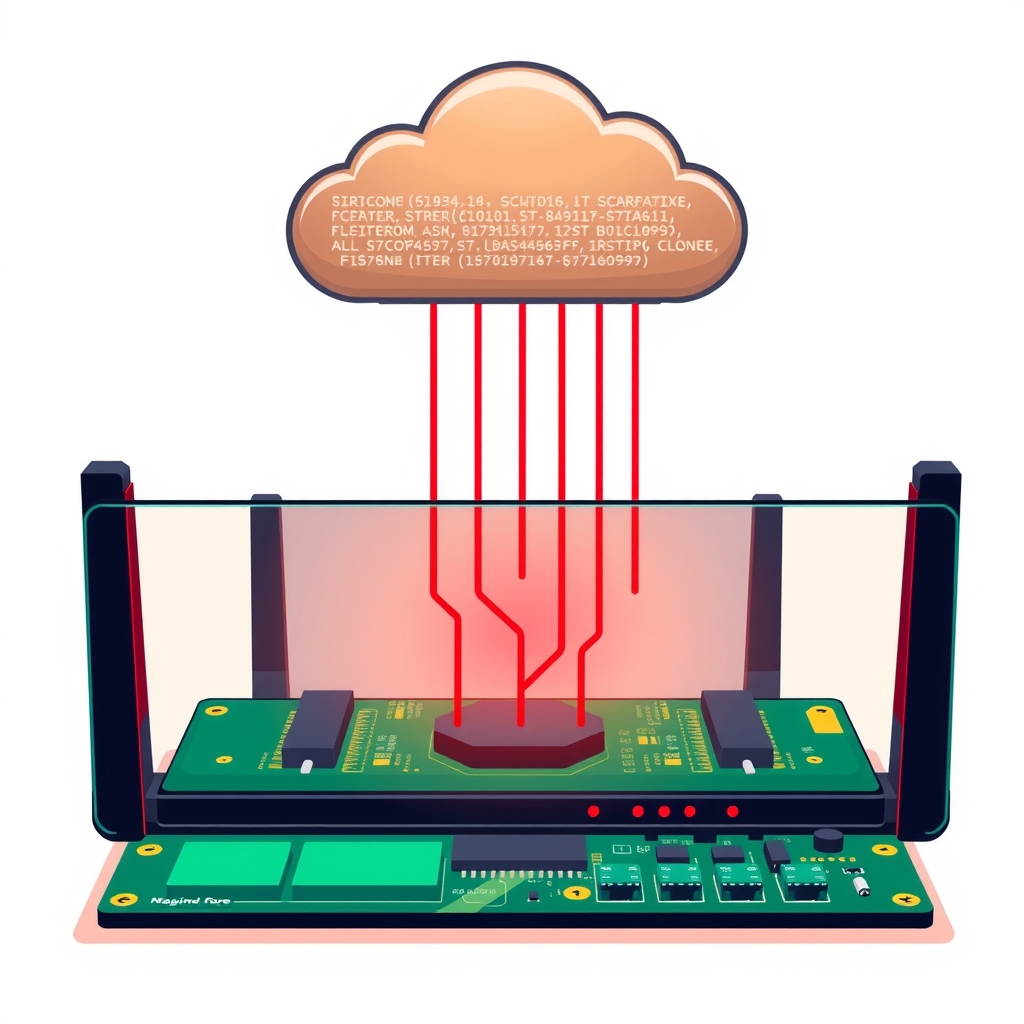
The backdoor operated through a module named includes/airwp-online.php, which executed on every site request. This module sent detailed environment data—including the site URL, PHP version, WordPress version, operating system details, and server user—to a hard-coded command-and-control server at tascredit-pay[.]com. Once the server received this beacon, it could return PHP code that the plugin would execute immediately using the eval() function, granting the attacker full control.
This mechanism allowed unauthenticated attackers to run shell commands, read, write, or delete arbitrary files, and query any database table. Specifically, the backdoor could dump the entire users table, exposing login names, email addresses, and password hashes. It also had the capability to drop web shells into the uploads directory or other chosen paths and register hourly WP-Cron hooks to maintain persistence even if the initial plugin file was removed.
Key details
- Affected Plugins: Six WP Connect plugins including Air WP Sync, WP Sync for Notion, and various Contact Form 7 add-ons.
- Compromised Versions: Specific versions range from 1.0.2 to 2.9.4, depending on the plugin.
- Attack Vector: Supply chain compromise via a suspected developer account takeover, not a code vulnerability.
- Malicious Module:
includes/airwp-online.phpbeacons totascredit-pay[.]comand executes remote PHP code. - Impact: Critical remote code execution (CVE-2026-135202, CVSS 9.8) allowing full server control and data theft.
- Status: Plugins permanently closed; malicious versions blocked before public release via WordPress Protect The Shire.
Why it matters
For developers and IT leads managing WordPress infrastructure, this incident highlights the fragility of supply chain security. Unlike typical vulnerabilities where a vendor releases a patch, this scenario involved a trusted actor’s credentials being stolen. This means standard vulnerability scanning might miss the threat if it only looks for known CVE patterns in code logic, rather than checking for unauthorized account activity or unexpected file changes. The reliance on third-party plugins introduces risk that extends beyond code quality to account security practices.
The use of eval() to execute remote code demonstrates how quickly a single compromised component can lead to total site takeover. The ability to dump password hashes and install persistent cron hooks means that even if the plugin is deleted, the attacker may have already established other footholds. This reinforces the need for deep monitoring of file integrity and database access, not just perimeter defense. For teams building products on WordPress, vetting plugin developers’ security hygiene is as important as reviewing the code itself.
What you can do
- Audit your WordPress installations immediately to check if any of the six listed plugins are present.
- Verify the installed version numbers against the compromised ranges provided in the key details.
- Remove any instance of the affected plugins, regardless of version, if you suspect account compromise.
- Scan your server for the file
includes/airwp-online.phpand remove it if found outside of these plugins. - Check your database for unknown admin users or modified password hashes resulting from a potential dump.
- Review WP-Cron jobs for suspicious hourly tasks that may have been planted by the backdoor for persistence.