Run native DLA inference in Python on Jetson AGX Orin
NVIDIA exposes cuDLA to Python via cuda-bindings 13.3.0, enabling hybrid GPU-DLA workflows on Jetson AGX Orin and RTX Spark laptops.
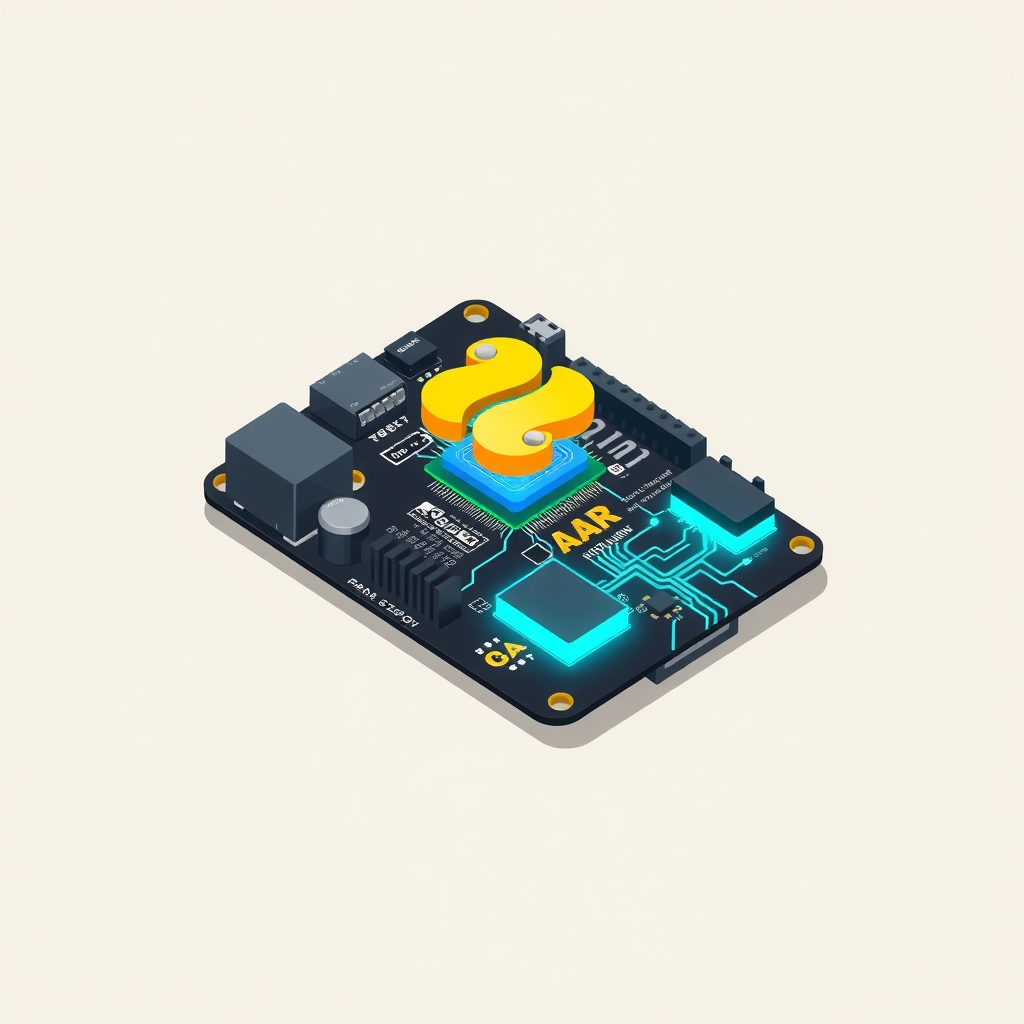
NVIDIA has released Python bindings for the cuDLA runtime, allowing developers to execute Deep Learning Accelerator (DLA) inference directly from Python code. Available in cuda-bindings version 13.3.0, this update targets the Jetson AGX Orin platform and extends support to NVIDIA RTX Spark laptops. The release enables hybrid workflows where CUDA streams coordinate DLA execution alongside GPU preprocessing and postprocessing tasks.
What happened
The cuda.bindings.cudla module exposes the underlying C++ cuDLA API to Python, removing the need for C++ wrappers when managing DLA hardware. This integration allows applications to offload supported neural network operations to the dedicated DLA engine on Jetson Orin devices. By moving these fixed-function operations off the GPU, developers can improve power efficiency and reserve GPU capacity for other compute-intensive tasks.
This release supports hybrid-mode workflows exclusively, where a single CUDA stream sequences GPU kernels and DLA inference tasks. While standalone mode exists in the C++ API, the current Python bindings do not support it due to dependencies on NvSci buffer and sync primitives. The same API surface applies to both embedded Jetson platforms and Windows-based RTX Spark developer laptops, ensuring code portability across form factors.
The workflow requires TensorRT only for the initial compilation of models into DLA loadables. At runtime, the application relies solely on libcudla.so, which ships with JetPack. This separation simplifies deployment, as the inference environment does not need the full TensorRT stack installed, only the lightweight cuDLA runtime library.
How it works
DLA is a fixed-function accelerator designed for specific deep learning operations like convolutions and pooling. It lacks the flexibility of a general-purpose GPU but offers higher efficiency for supported layers. The Python bindings act as a thin Cython-generated layer over the C++ API, exposing thirteen functions and nine data types. Developers use standard CUDA driver and runtime calls for memory management and stream synchronization, while cuDLA handles the specific submission of inference tasks to the hardware.
The inference lifecycle follows nine distinct steps. First, the application initializes CUDA and creates a DLA device in hybrid mode. Next, it loads a compiled binary loadable from memory, introspects tensor descriptors to determine buffer sizes, and allocates GPU memory. These buffers are then registered with the cuDLA device, allowing the hardware to access them. Input data is copied to the GPU, the task is submitted on a CUDA stream, and the application synchronizes to read back results. Finally, all resources are explicitly cleaned up.
Error handling is integrated into Python’s exception model. Instead of returning error codes, cuDLA calls raise cudla.CudlaError exceptions. This allows developers to use standard try/finally blocks for resource cleanup and inspect the status enum for specific failure reasons, such as invalid parameters or hardware timeouts.
Key details
- The cuda.bindings.cudla module is included in cuda-bindings version 13.3.0 and later.
- Hybrid mode uses CUDA streams to sequence GPU preprocessing, DLA inference, and GPU postprocessing.
- Standalone mode is not supported in the Python bindings due to missing NvSci primitive exposure.
- Model compilation requires TensorRT trtexec with flags like --useDLACore=0 and --buildDLAStandalone.
- Runtime execution only requires libcudla.so, which is part of the standard JetPack installation.
- The API is identical for Jetson AGX Orin and NVIDIA RTX Spark Windows laptops.
Why it matters
For engineers building edge AI products, power budget and thermal constraints are critical. Offloading inference to the DLA reduces GPU load, allowing the system to run additional services or maintain lower power consumption. The ability to manage this entirely in Python simplifies the development stack, removing the friction of maintaining separate C++ services for acceleration. This is particularly valuable for rapid prototyping and deployment on robotics platforms where software complexity must be minimized.
The hybrid workflow also improves pipeline efficiency. By using a single CUDA stream, developers can ensure that data preprocessing on the GPU, inference on the DLA, and postprocessing on the GPU occur in a strict, ordered sequence without complex synchronization logic. This reduces latency and prevents race conditions that might arise from managing multiple independent execution contexts.
Furthermore, the extension of this API to RTX Spark laptops brings embedded-style optimization to desktop development environments. Developers can test and validate DLA-offloaded workflows on their local machines before deploying to edge hardware. This parity between development and production environments reduces the risk of integration issues during final deployment.
What you can do
- Install the latest bindings using pip install "cuda-bindings>=13.3.0" on your Jetson Orin or RTX Spark system.
- Compile existing ONNX models into DLA loadables using TensorRT trtexec with the --buildDLAStandalone flag.
- Refactor inference pipelines to use a single CUDA stream for coordinating GPU and DLA tasks.
- Use tensor descriptor introspection to dynamically allocate buffers instead of hardcoding sizes.
- Implement try/finally blocks to ensure DLA device handles and registered memory are properly released.
- Run hardware-free unit tests from the NVIDIA/cuda-python GitHub repo to validate API usage.