Fixing SageMaker auto scaling failures during CDK endpoint updates
AWS provides a new CDK construct to handle the race condition between SageMaker endpoint updates and Application Auto Scaling registration, preventing deployment failures.
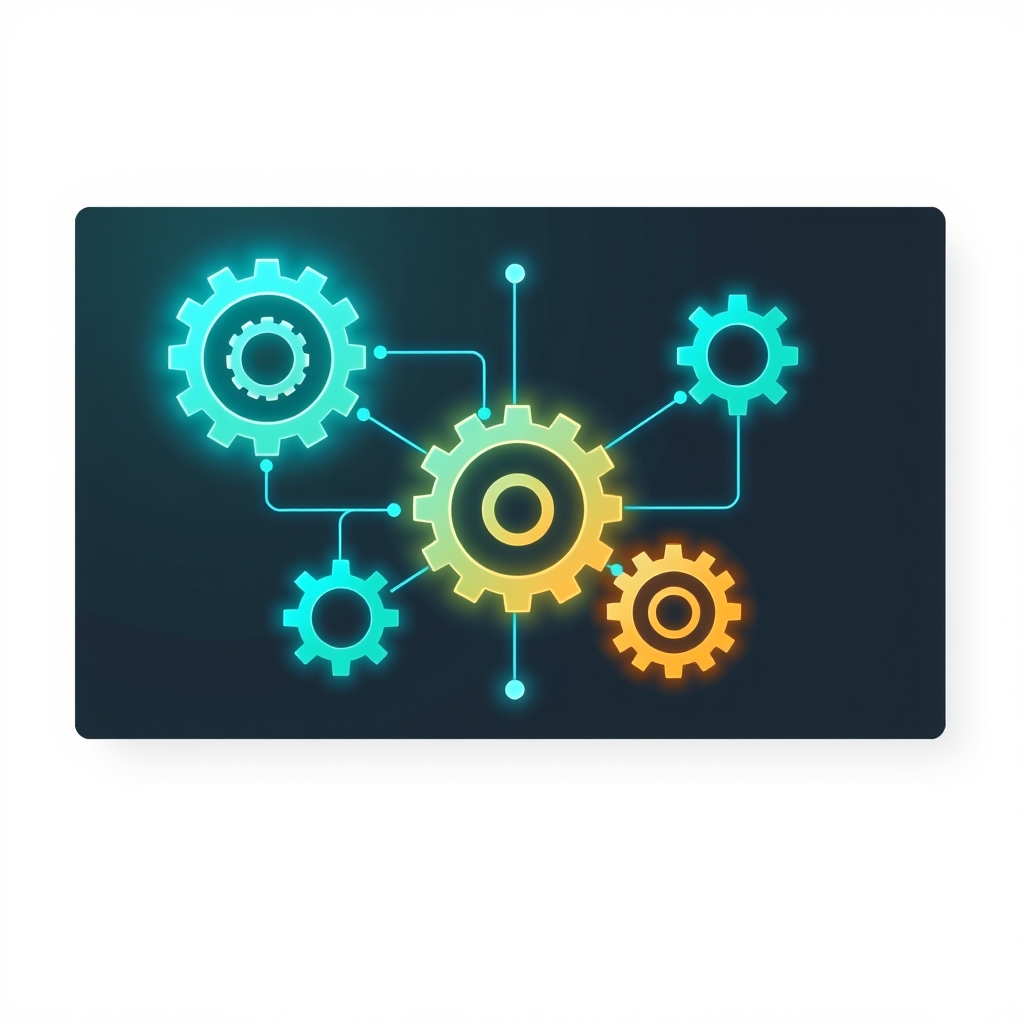
Updating Amazon SageMaker AI real-time endpoints often breaks auto scaling configurations when using AWS CloudFormation or the AWS Cloud Development Kit (CDK). A new solution from AWS introduces a reusable CDK construct that orchestrates the deregistration and re-registration of scalable targets automatically. This approach allows engineers to update instance types, counts, or environment variables in a single deployment without manual intervention or stack corruption.
What happened
Developers deploying SageMaker AI endpoints with native CloudFormation auto scaling resources frequently encounter deployment failures when modifying endpoint configurations. The core issue arises because SageMaker AI requires the scalable target to be deregistered before an endpoint can be updated, such as when changing the instance type or instance count. However, CloudFormation manages these resources declaratively, leading to a conflict where the service blocks the update while the auto scaling target is still active.
When engineers attempt to work around this by manually deregistering the scalable target via the AWS CLI, they face two distinct failure modes. If they redeploy with only endpoint configuration changes, CloudFormation sees no change in the auto scaling parameters and skips re-registering the target. The endpoint updates successfully, but it runs without auto scaling, leaving the system vulnerable to traffic spikes without any error message to alert the team.
If they manually deregister and then change auto scaling parameters, CloudFormation attempts to update a ScalableTarget resource that no longer exists. This results in a "Resource not found" error. More critically, the rollback process also fails, leaving the CloudFormation stack in an UPDATE_ROLLBACK_FAILED state. Recovering from this state requires tedious manual intervention in the console, breaking the automation pipeline and increasing operational risk.
How it works
The proposed solution replaces the native AWS::ApplicationAutoScaling::ScalableTarget and AWS::ApplicationAutoScaling::ScalingPolicy resources with three custom resources managed by a CDK construct. These custom resources enforce a strict dependency order using node.add_dependency calls, ensuring that auto scaling is handled correctly around the endpoint update lifecycle. The process begins with a Deregister custom resource that removes the scalable target before the endpoint update starts. On initial deployments, this handler gracefully ignores errors if no target exists yet.
Once the scalable target is removed, CDK proceeds to update the endpoint resource itself. After the endpoint update is accepted, a Register Scalable Target custom resource takes over. This resource uses an asynchronous completion pattern, where an on_event handler returns immediately, and a waiter re-invokes an is_complete handler every 30 seconds. It waits for the endpoint to reach an InService status before registering the scalable target, bounded by a one-hour total timeout to avoid Lambda execution limits.
Finally, an Attach Scaling Policy custom resource ensures the target tracking policy is applied. It also uses the asynchronous pattern to wait until the scalable target is queryable, which can take a brief moment after registration. Once the target is visible, it applies the policy. A ConfigHash property drives this entire sequence, forcing CloudFormation to re-invoke the Lambda functions whenever either endpoint or auto scaling configuration values change, keeping the two systems in sync.
Key details
- The construct replaces native CloudFormation auto scaling resources with three custom resources: Deregister, Register Scalable Target, and Attach Scaling Policy.
- Dependency ordering is enforced via CDK
node.add_dependencycalls to ensure the correct sequence of operations. - Asynchronous custom resources use a provider framework with
on_eventandis_completehandlers, backed by AWS Step Functions state machines. - The Register Scalable Target resource has a total timeout of one hour, while Attach Scaling Policy has a 15-minute timeout.
- A single
ConfigHashproperty triggers the orchestration sequence when either endpoint or auto scaling parameters change. - The deployed stack includes twelve Lambda functions and two Step Functions state machines, most of which are generated by the CDK provider framework.
Why it matters
For teams building production AI infrastructure, reliability in deployment pipelines is non-negotiable. The previous behavior of silently dropping auto scaling configurations or leaving stacks in broken states introduced significant operational debt. Engineers had to choose between manual CLI interventions that broke infrastructure-as-code principles or accepting the risk of running models without auto scaling. This solution restores the promise of declarative infrastructure, allowing teams to treat SageMaker endpoints like any other cloud resource that can be updated safely and predictably.
Furthermore, the use of asynchronous custom resources addresses a common pain point in CloudFormation: long-running operations exceeding Lambda timeouts. By offloading the waiting logic to the provider framework and Step Functions, the construct ensures that deployments do not fail due to transient timing issues. This robustness is critical for large-scale ML operations where endpoint updates may take several minutes to propagate across the fleet.
What you can do
- Clone the
sample-sagemaker-endpoint-autoscalingrepository from GitHub to access the reference implementation. - Install dependencies using
uv syncand bootstrap your AWS environment withuv run cdk bootstrap. - Define your endpoint and auto scaling settings in
config/config.yaml, ensuring both sections are included to generate theConfigHash. - Deploy the example stack using
uv run cdk deploy InferenceStackand verify the scalable target via the AWS CLI. - Test an update by changing the instance type in the config file and redeploying to confirm auto scaling remains intact.
- Integrate the
SagemakerAutoscalingConstructinto existing CDK stacks by copying the construct directory and passing your endpoint resource and configuration hash.